Mandatory tasks — leave no lead without a next step
Mandatory tasks stops the most common leak in a pipeline: a manager finishes a call, closes the lead and forgets to plan the next step. When a user tries to leave a lead that has no open task, the lead stays open and a notice offers to add a task in Kommo’s own task editor. An administrator chooses how firm the rule is, which stages it covers and who is exempt. The rule works in the browser and the widget creates no tasks itself.
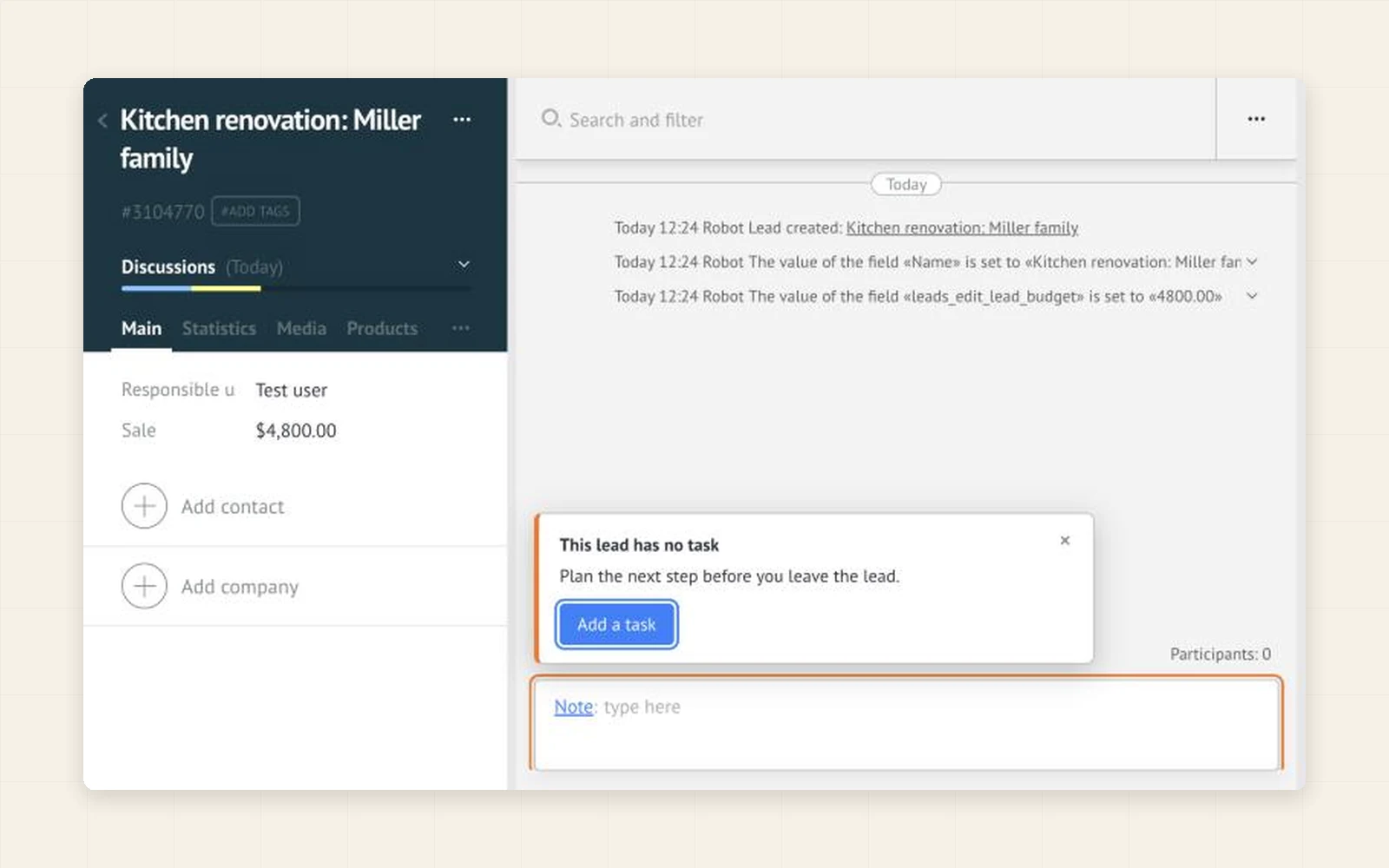
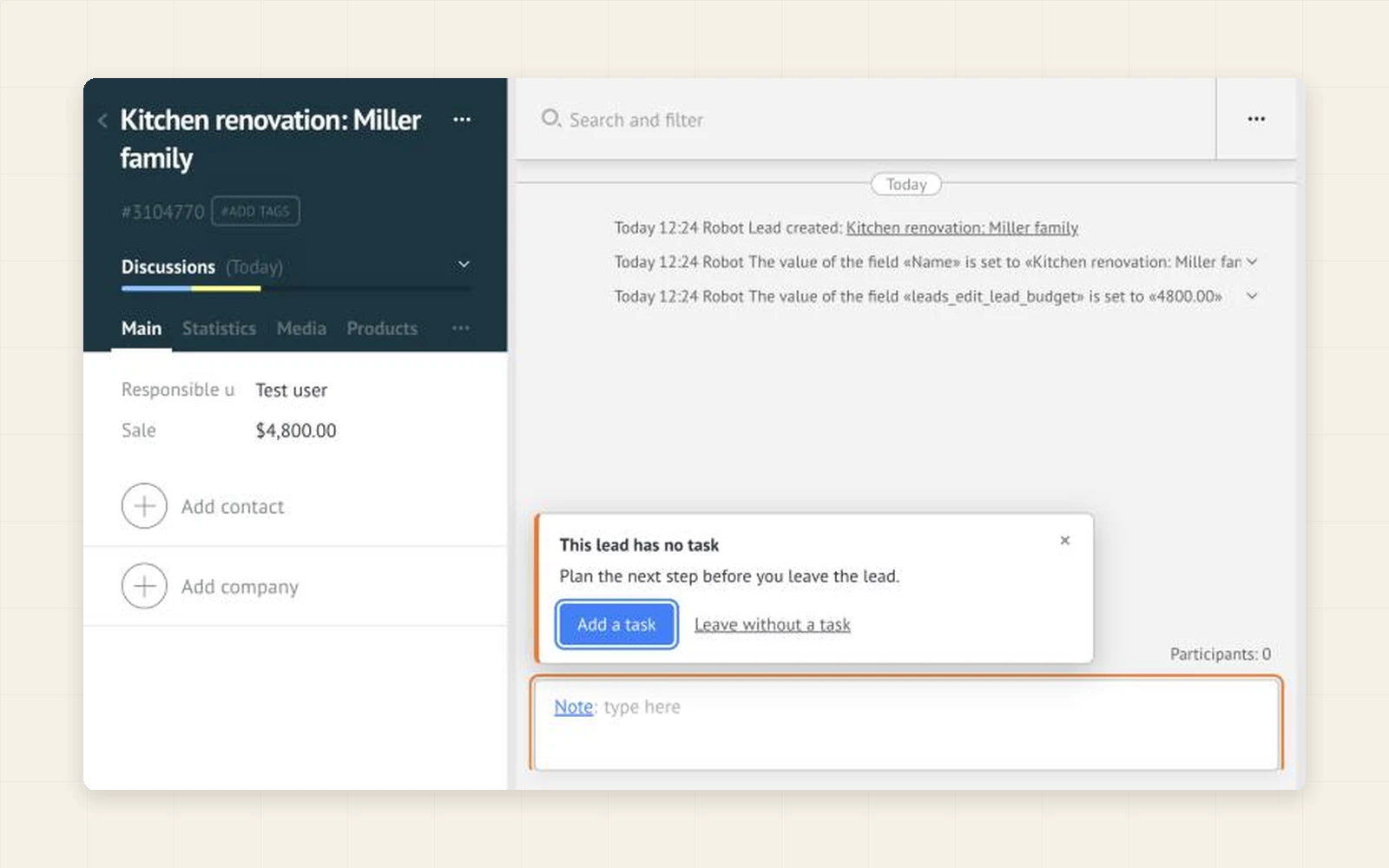
Turn the rule on. A user who opens a lead cannot simply close it: without an open task the lead stays open and the notice leads straight to the task editor.
The rule works at the moment of work, not afterwards. A lead a manager has touched leaves their hands with a planned task, so there is less to chase later.
Start with the soft mode: the same notice, but with a Leave without a task button. Switch to the strict mode when the habit is there, and clear the stages where a task makes no sense.
- Stops the usual ways out of a lead card: the back arrow, the menu, links to other pages and the browser’s Back button
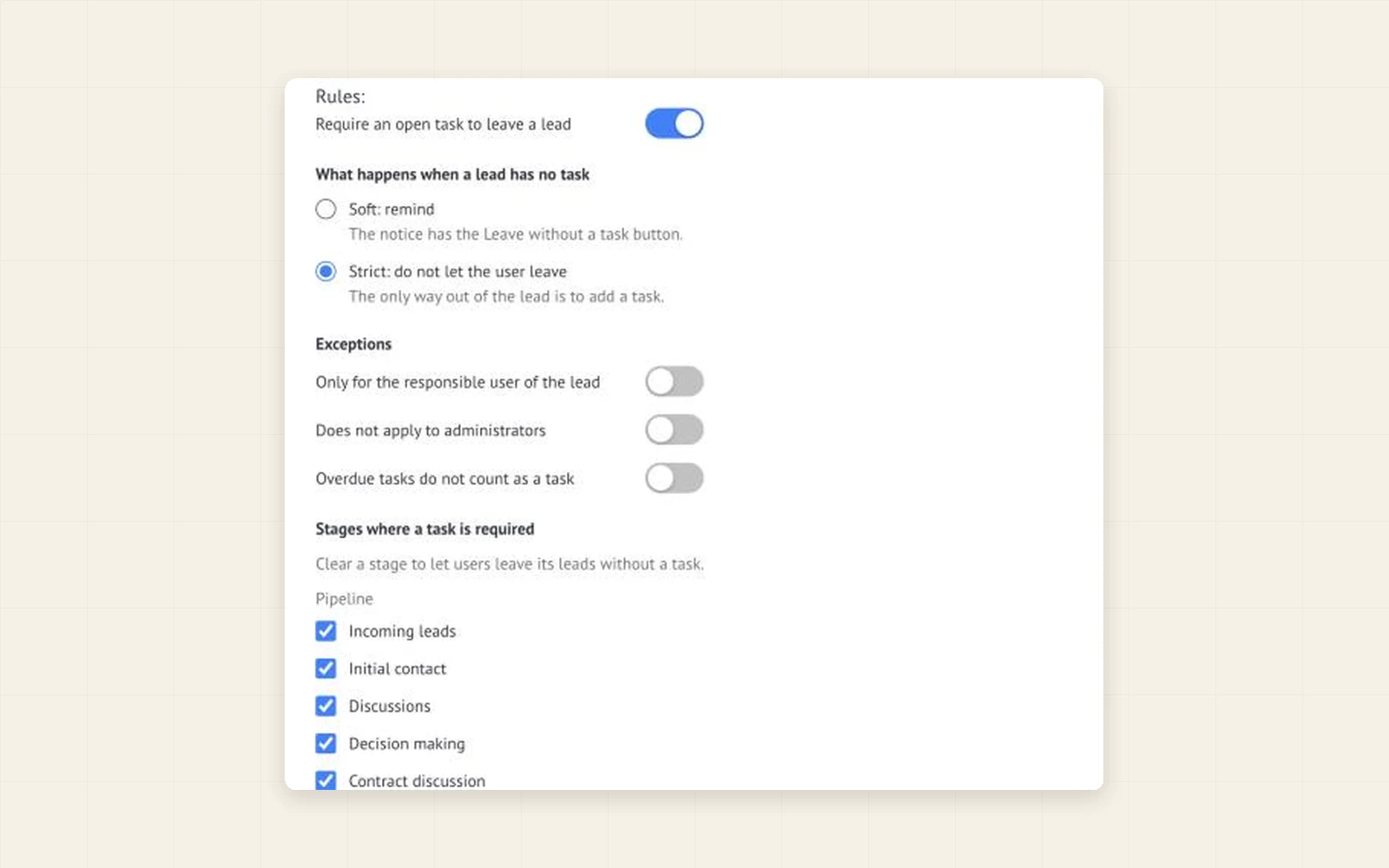
- Two modes: soft (a reminder with a way out) and strict (no way out without a task)
- The Add a task button opens Kommo’s own task editor; the widget creates no tasks itself
- The notice disappears as soon as the lead has a task
- Stages: clear the stages whose leads may be left without a task
- Closed stages (won and lost) never require a task
- Exceptions: only the responsible user of the lead; not for administrators
- Overdue tasks: count as a task or not, your choice
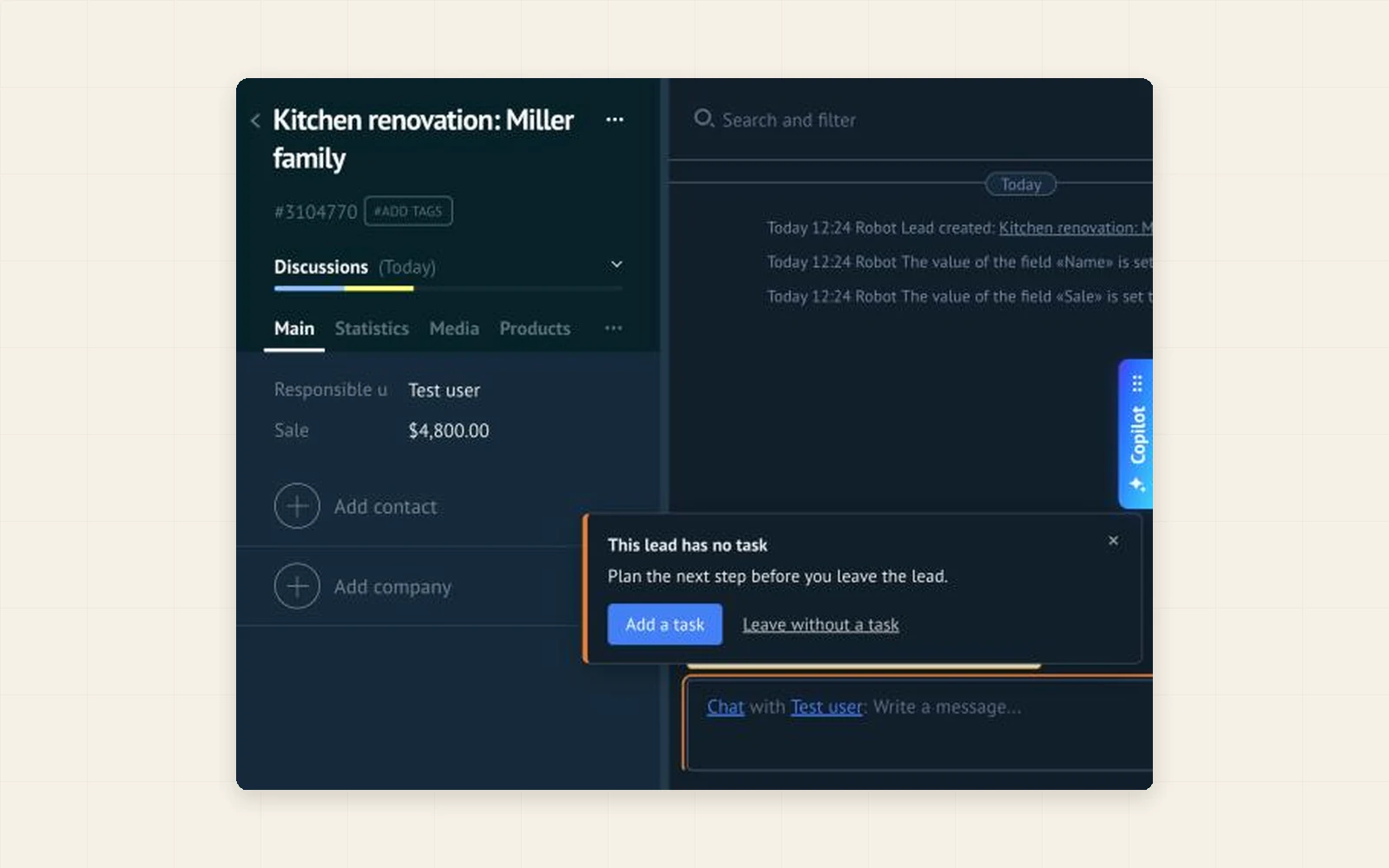
- Light and dark theme; English, Spanish and Portuguese
- In Kommo, open Settings → Integration marketplace.
- Find Mandatory tasks by Ruta and click Install. The 7-day trial starts by itself.
- In the widget settings switch on “Require an open task to leave a lead”, choose the soft or the strict mode and click Save.
- Open a lead without a task and try to leave it. Other users get the rule after they reload the page.
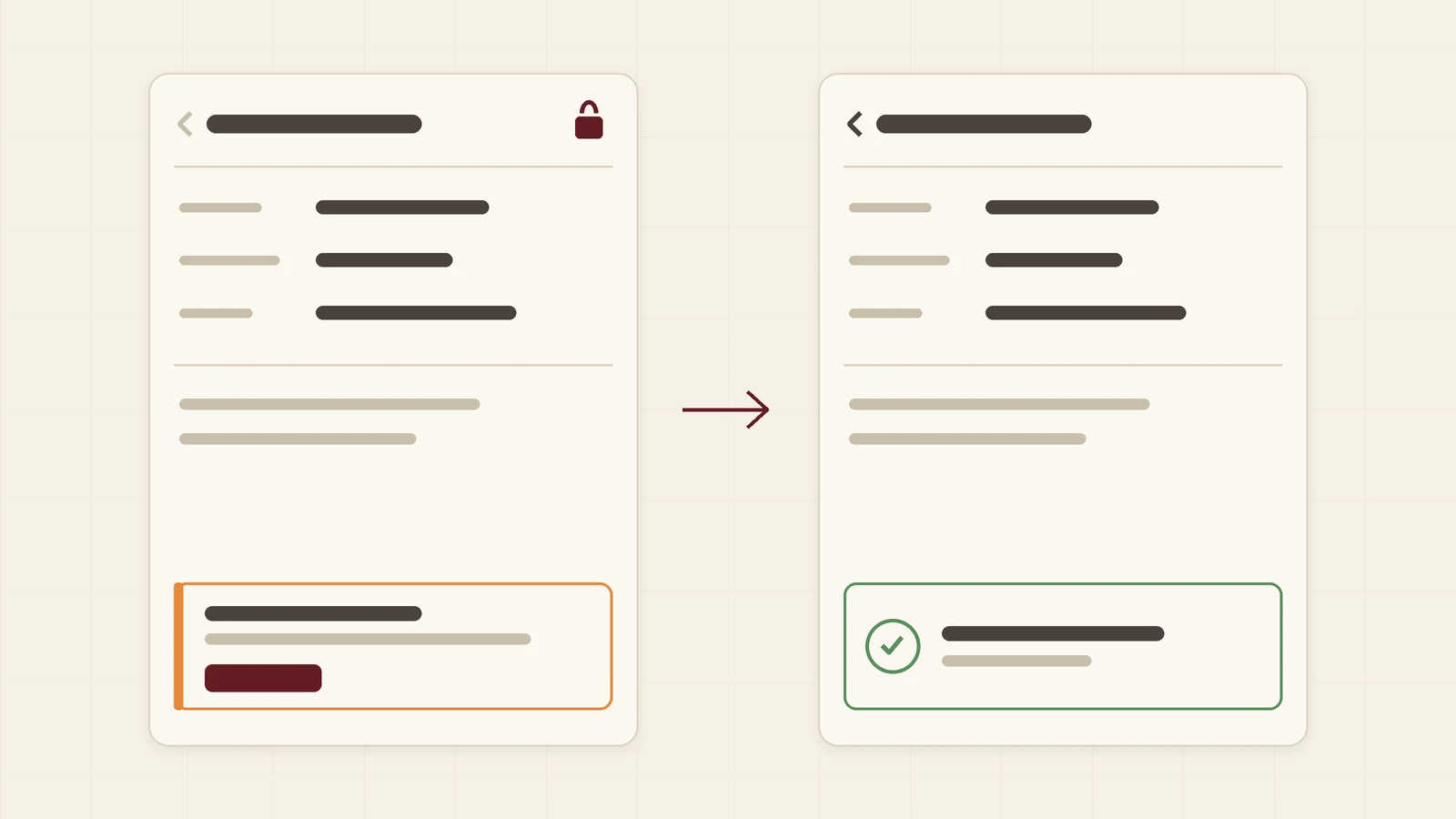
Why leads without a next task quietly die, what Kommo offers out of the box, and how to keep a user in the lead card until a task is planned.
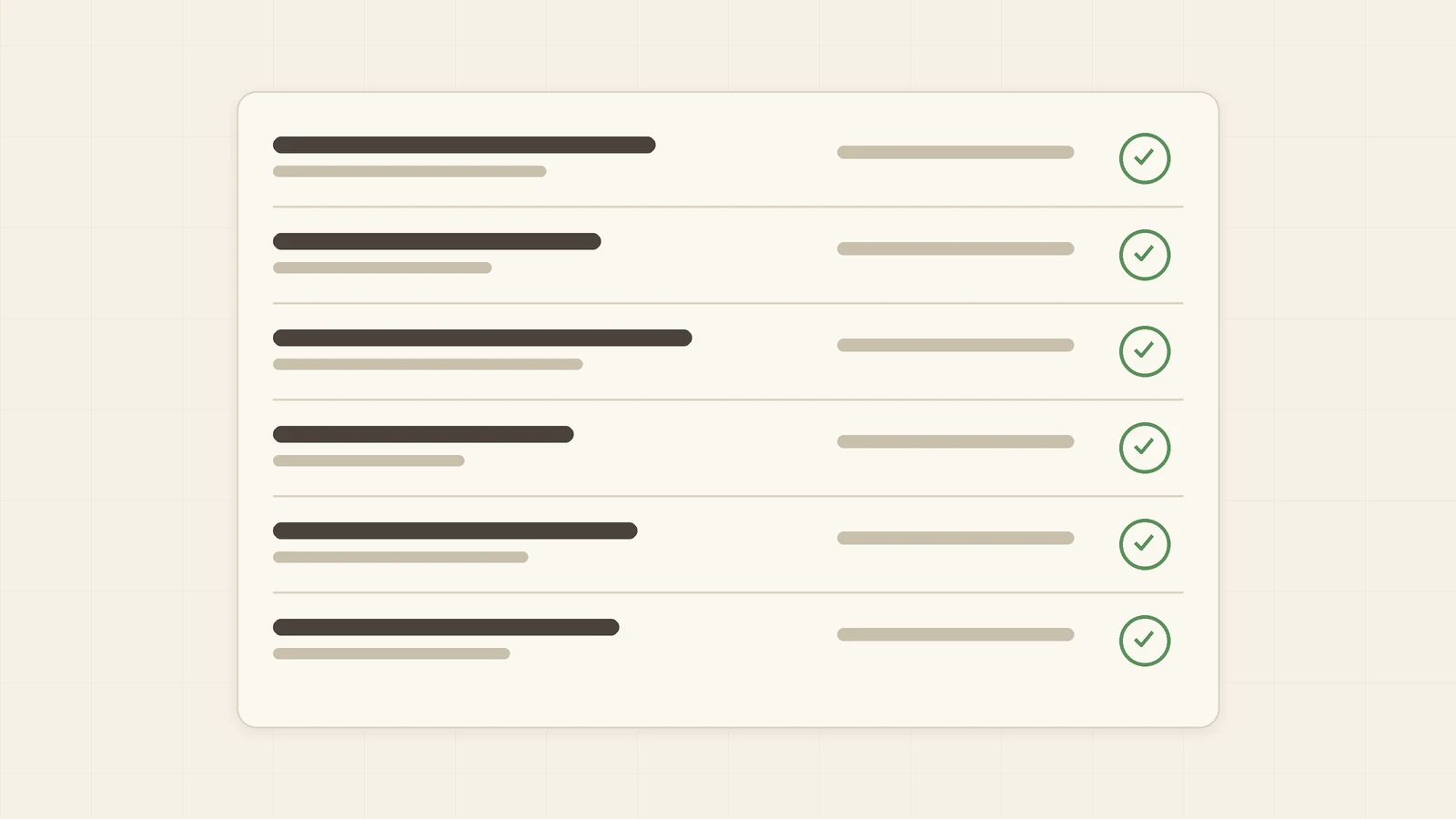
How a company with a long sales cycle can make “plan the next step” part of working with a lead in Kommo, first as a reminder and then as a rule.
Can a user get around it?
The widget stops the usual ways out of a lead card. A browser does not let any page forbid closing the tab or typing another address: in the strict mode it only asks for a confirmation. Stage changes on the pipeline board, bulk actions, the mobile app and the API are not covered. It is a discipline tool, not a security barrier.
Does the widget create tasks or change my data?
No. You create the task yourself in Kommo’s task editor, which the widget opens for you. The widget writes nothing to your CRM and sends no lead or task data anywhere.
Does an overdue task count?
By default yes: an overdue task is still an open task. One switch in the settings makes leads with only overdue tasks stop the user too.
Who can change the rules?
Anyone who can open the widget settings in the Integration marketplace, usually an administrator. The rules are the same for the whole account.
What happens when the trial or the paid period ends?
The widget stops holding users in leads. Your rules are kept and work again as soon as the license is paid.