Text Wrapping — see long names and comments in full
Kommo cuts long text with “…” on the kanban board, in lists and in cards, so you have to open a card just to read a title or a comment. Text Wrapping shows that text in full by wrapping it onto new lines. It covers kanban cards, lists, and lead, contact and company cards, and you choose where it applies. It is free for the whole team.
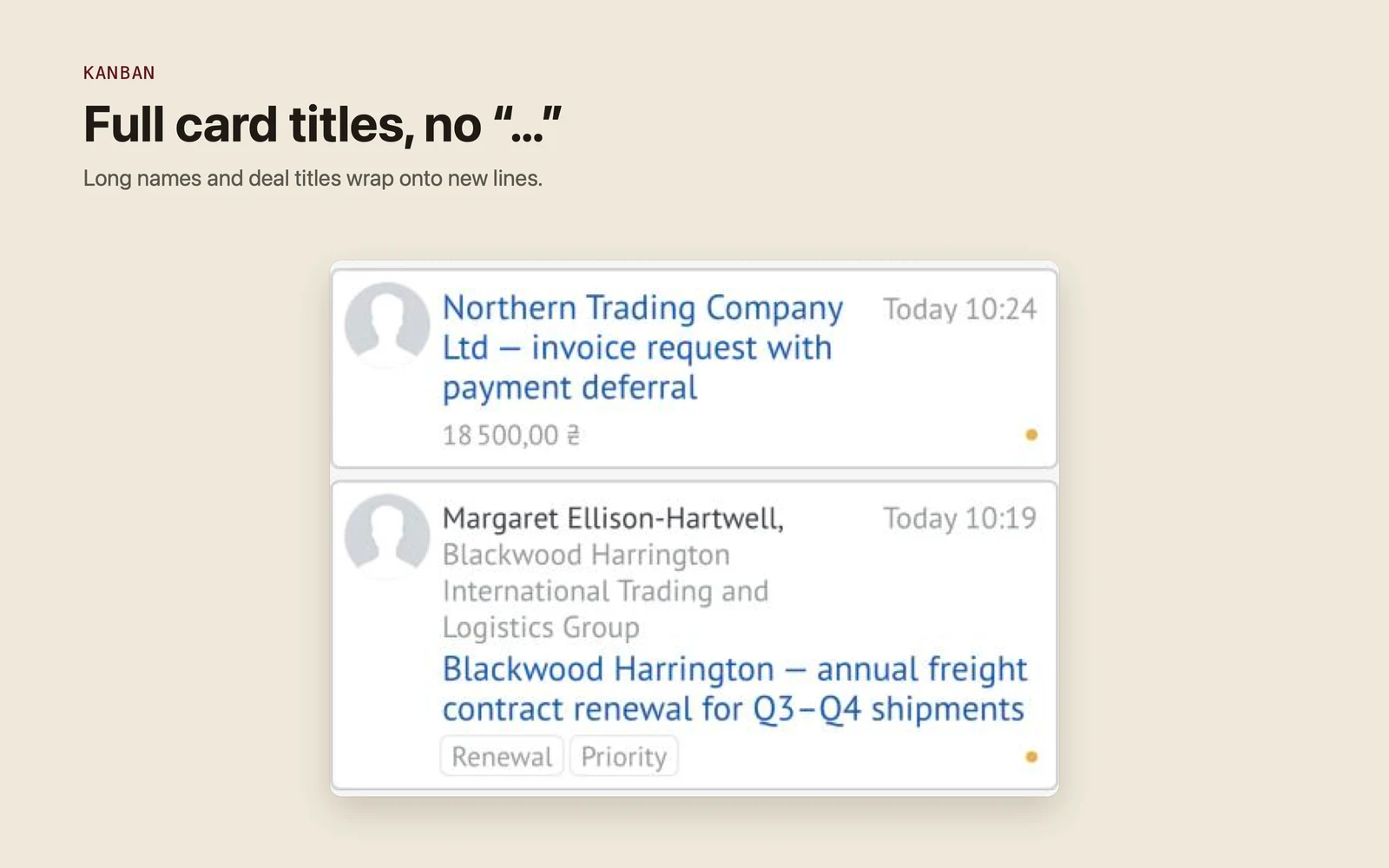
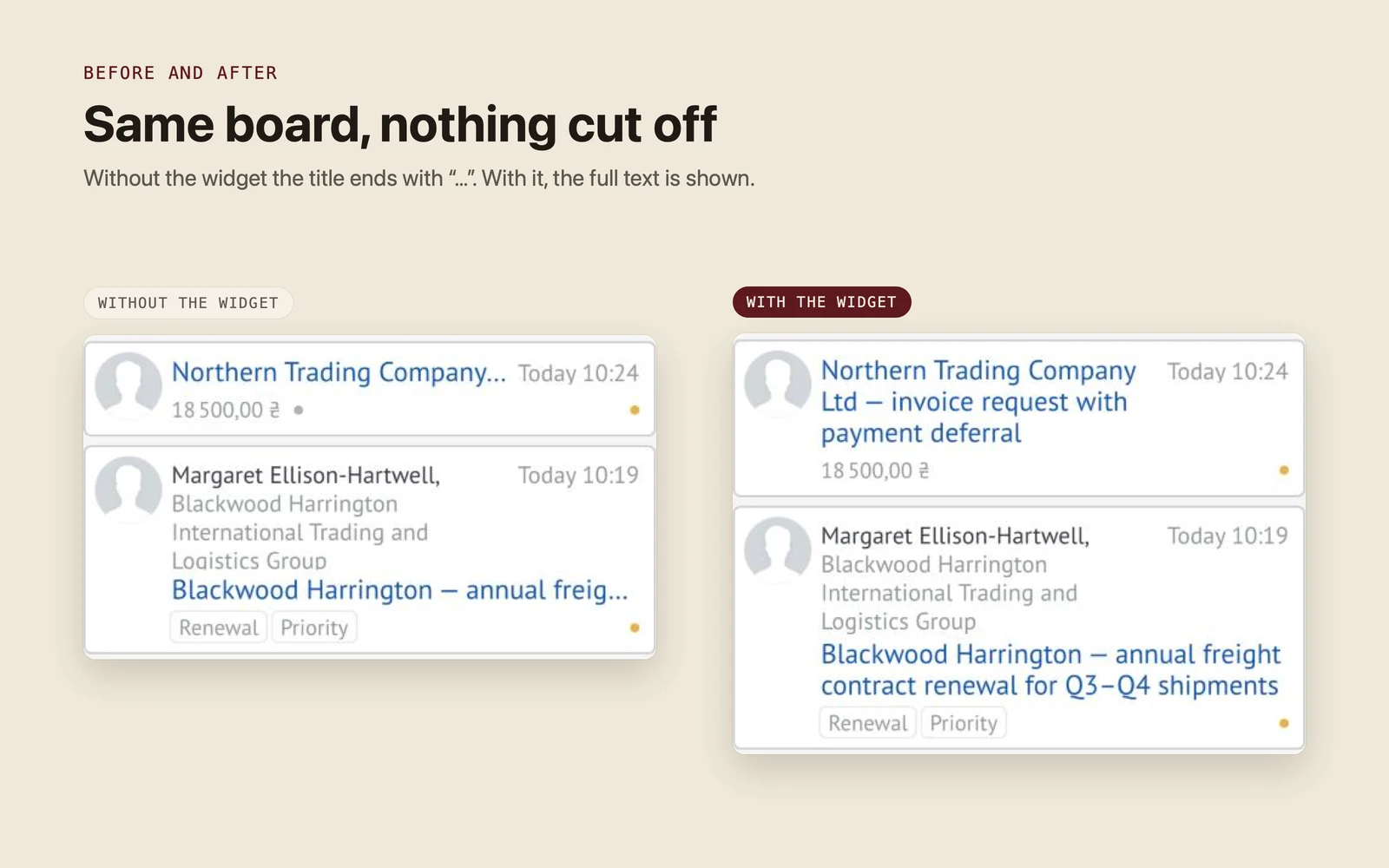
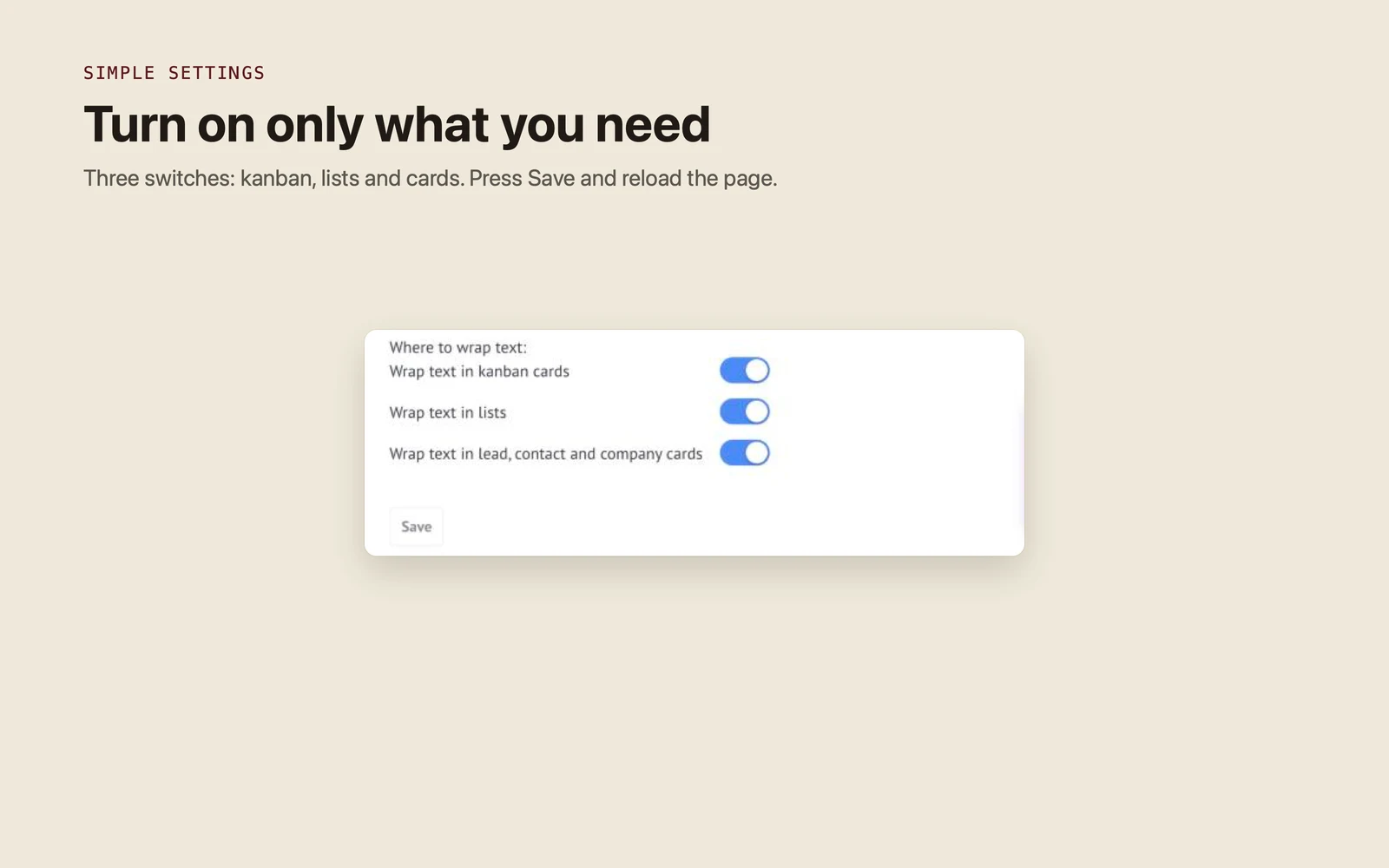
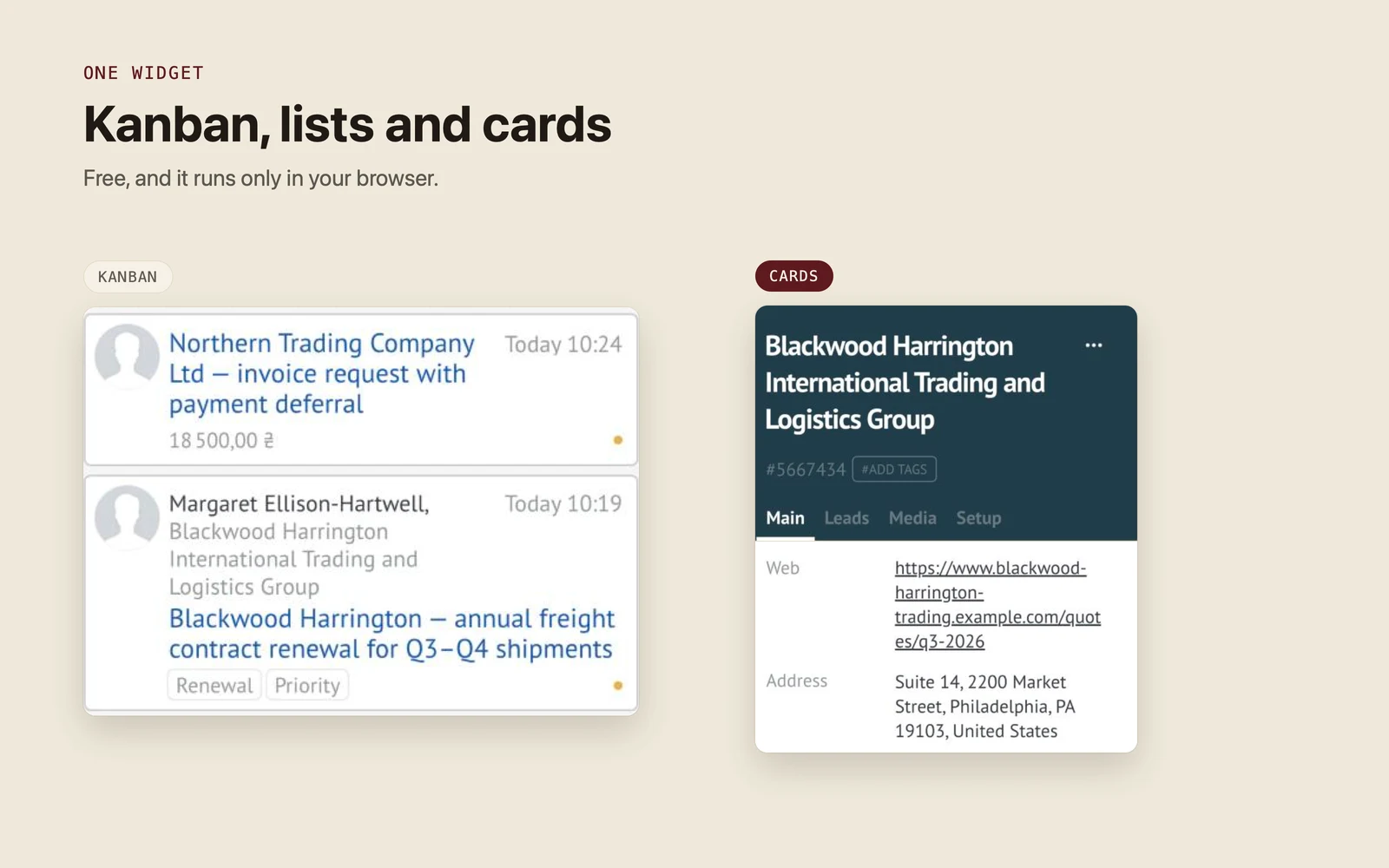
Switch on wrapping for kanban cards: titles, company and contact names, fields and tags wrap onto new lines, so the part that tells leads apart is visible without opening the card.
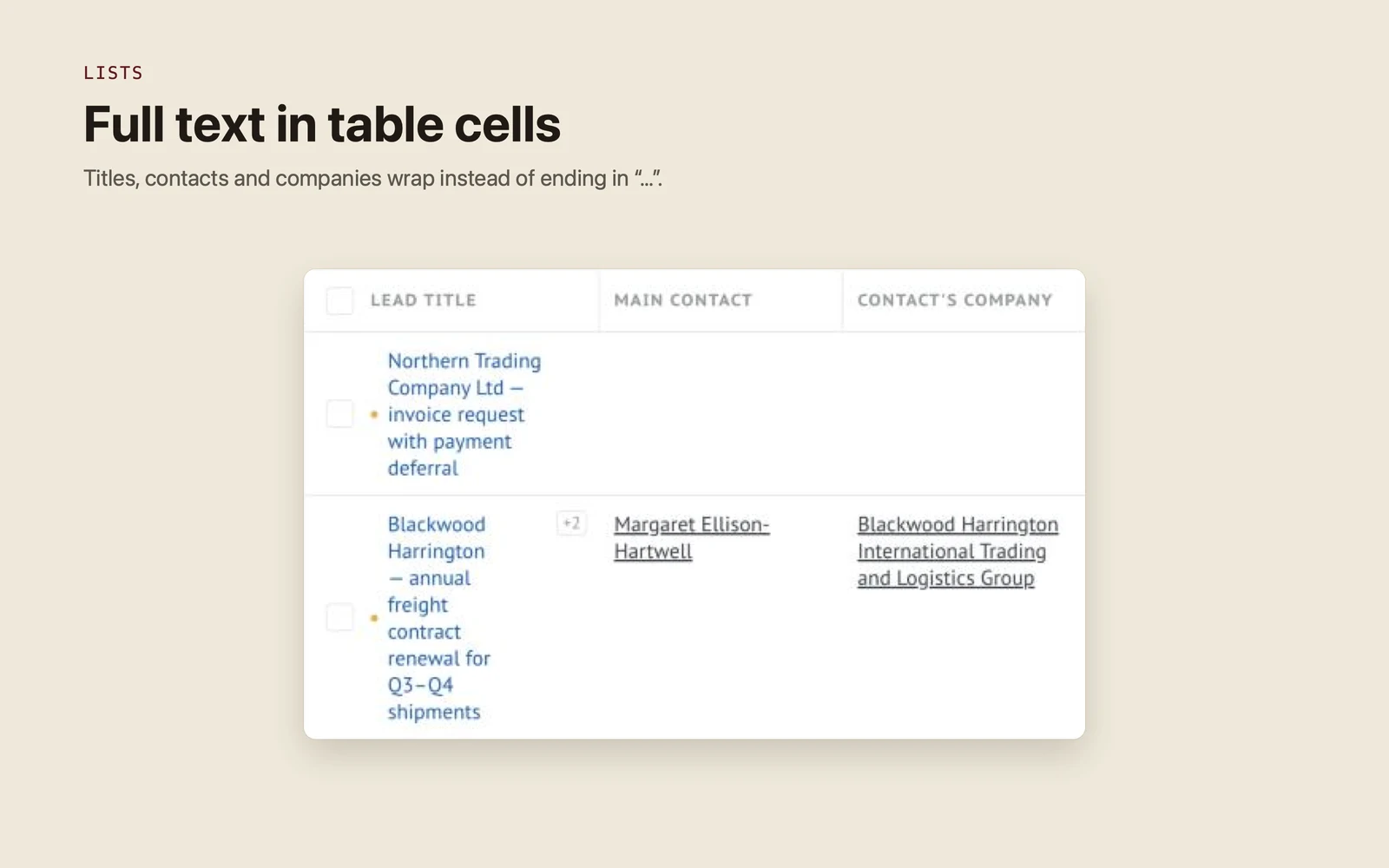
Switch on wrapping for lists: table cells, column headers and stage labels show the full text on several lines instead of ending in “…”.
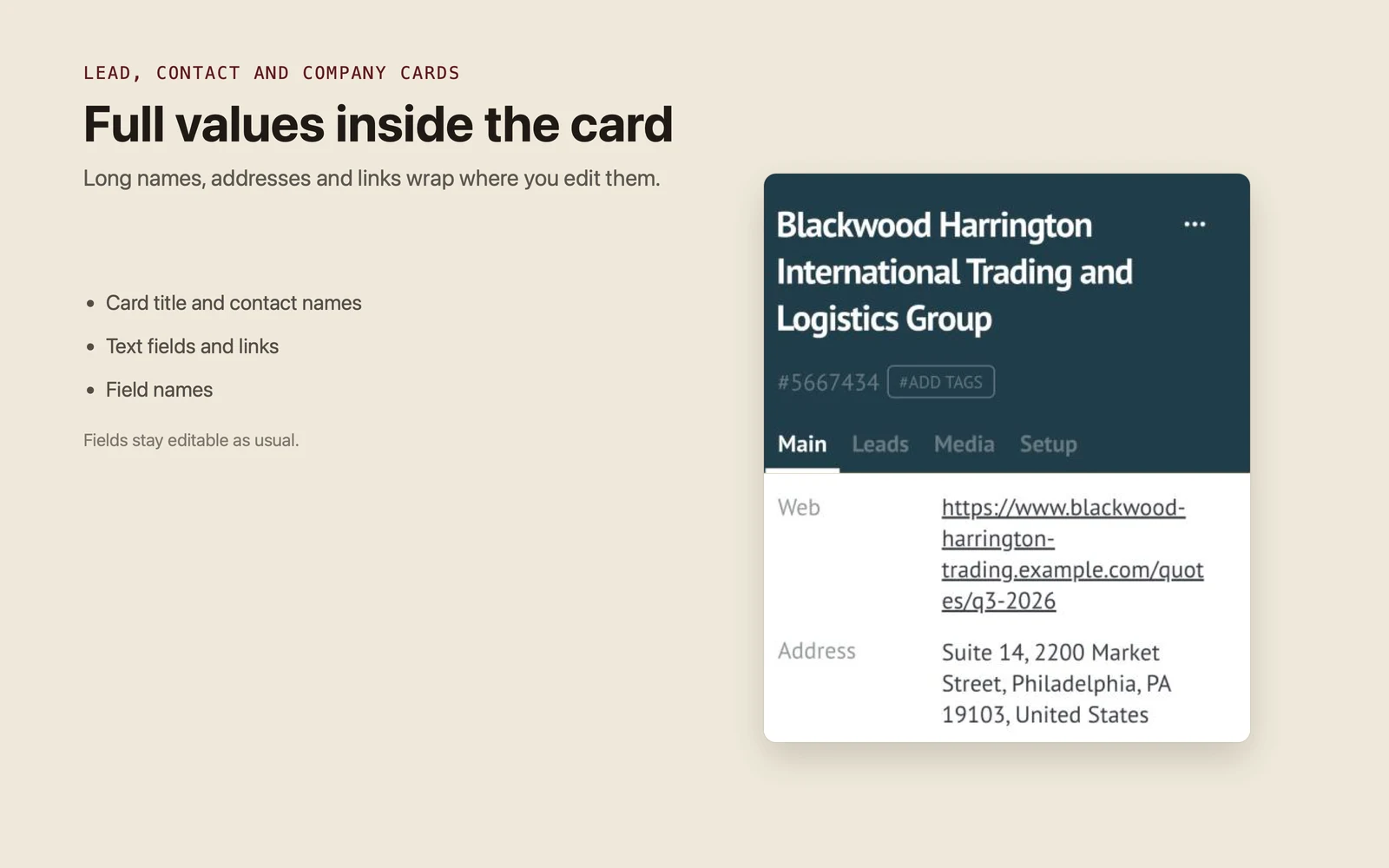
Switch on wrapping for lead, contact and company cards: the card title, field names and values wrap right where you edit them, and the fields stay editable.
- Kanban cards: titles, company and contact names, fields and tags wrap
- Lists: table cells, column headers and stage labels wrap
- Lead, contact and company cards: titles, field names and values wrap
- Text fields and links stay editable in place, as usual
- Three switches in the widget settings: kanban, lists and cards
- Runs only in your browser: no data sent to any server, no Kommo API calls
- Free for the whole team: no subscription, no per-user fee, no trial
- Interface in English, Spanish and Portuguese
- In Kommo, open Settings → Integration marketplace.
- Find Text wrapping by Ruta and click Install.
- Open the widget settings, switch on the places where text should wrap and press Save.
- Reload the page (Ctrl+Shift+R on Windows, Cmd+Shift+R on Mac). The switches apply only after a reload.
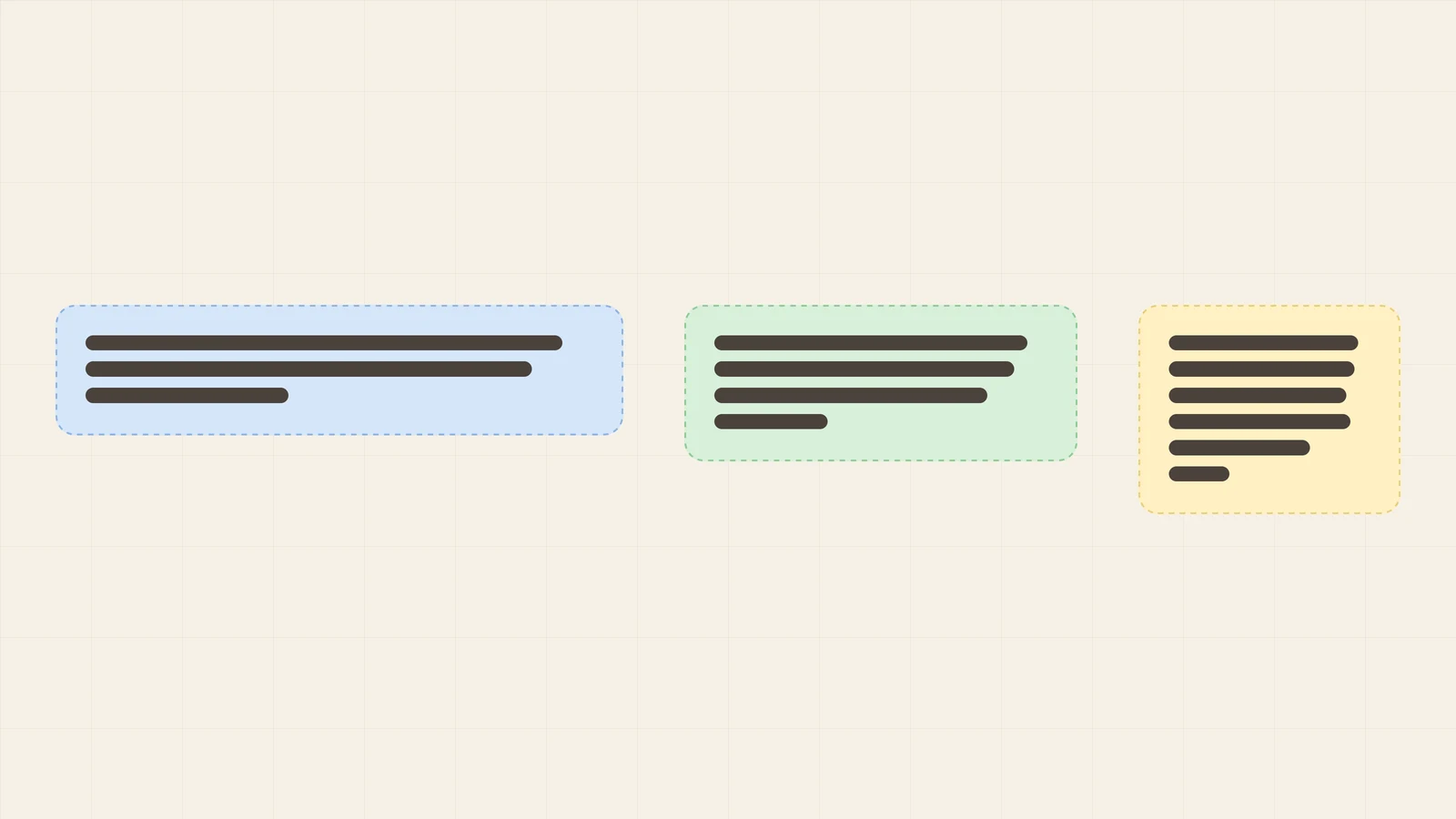
Why Kommo cuts long text on the kanban, in lists and in cards, and how to show it in full with a free widget in a couple of minutes.
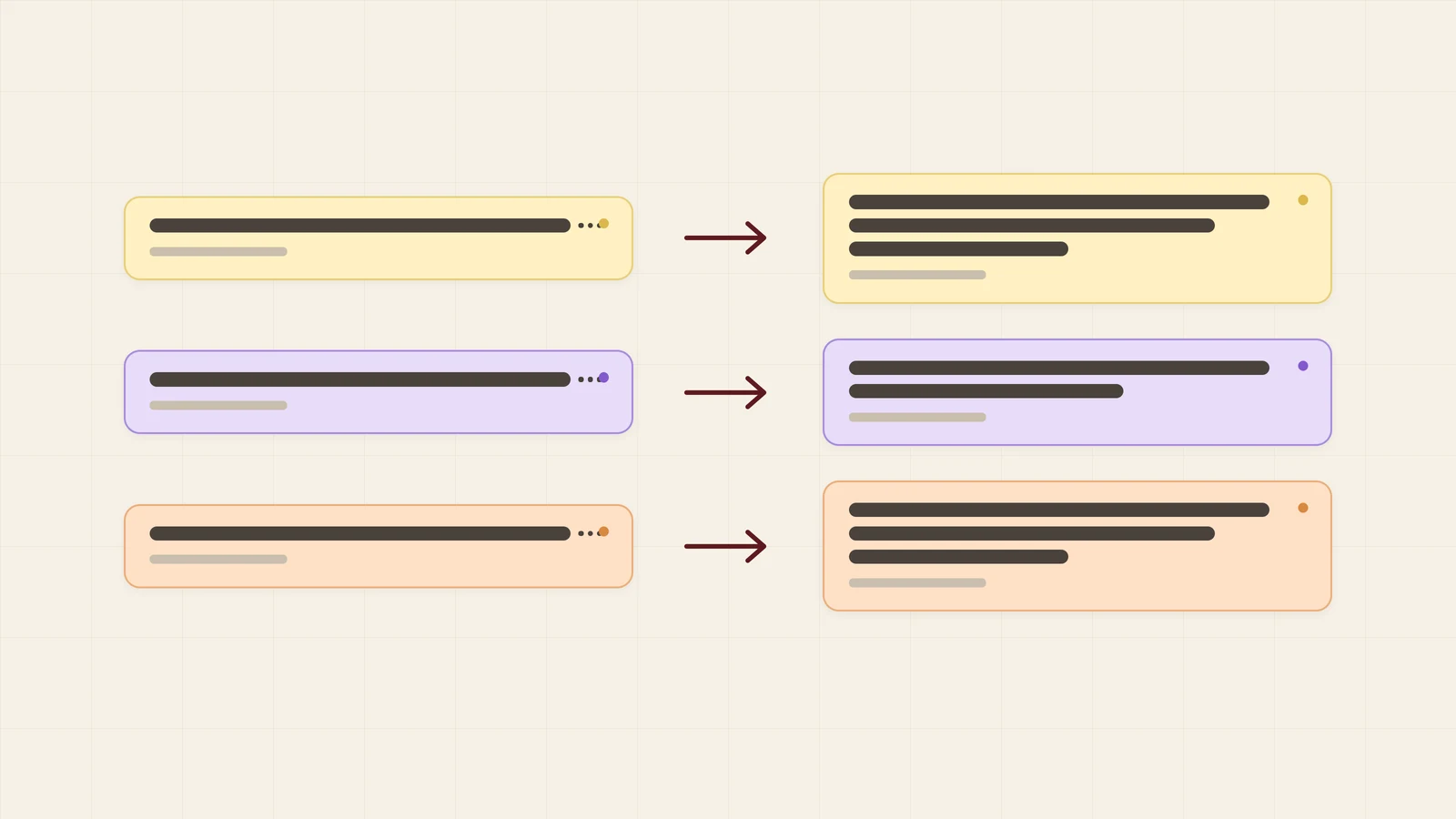
How a trading or logistics company can stop long names ending in “…” on the Kommo board. Three switches, and every title and company name shows in full.
Is the widget really free?
Yes. There is no subscription, no per-user fee and no trial period that runs out.
Who can change the settings?
Whoever has access to Settings → Integration marketplace in your Kommo account. The switches apply to the whole account.
I pressed Save, but nothing changed. Why?
The switches take effect after the page is reloaded. Press Ctrl+Shift+R (Windows) or Cmd+Shift+R (Mac).
Does the widget change or send my data?
No. It only changes how text is displayed in your browser. It does not send anything to a server and does not use the Kommo API.
What happens if I switch it off or uninstall it?
Text goes back to being cut off with “…”. Your data stays exactly as it was.