Field Groups — find the field you need in seconds
A Kommo card with dozens of fields is a long scroll, and the field you need is always at the bottom. Field Groups folds the fields into collapsible groups with subgroups, so a card shows a handful of headers and you open only the group you need. It works in lead, contact and company cards, remembers what you opened and is free for the whole team.
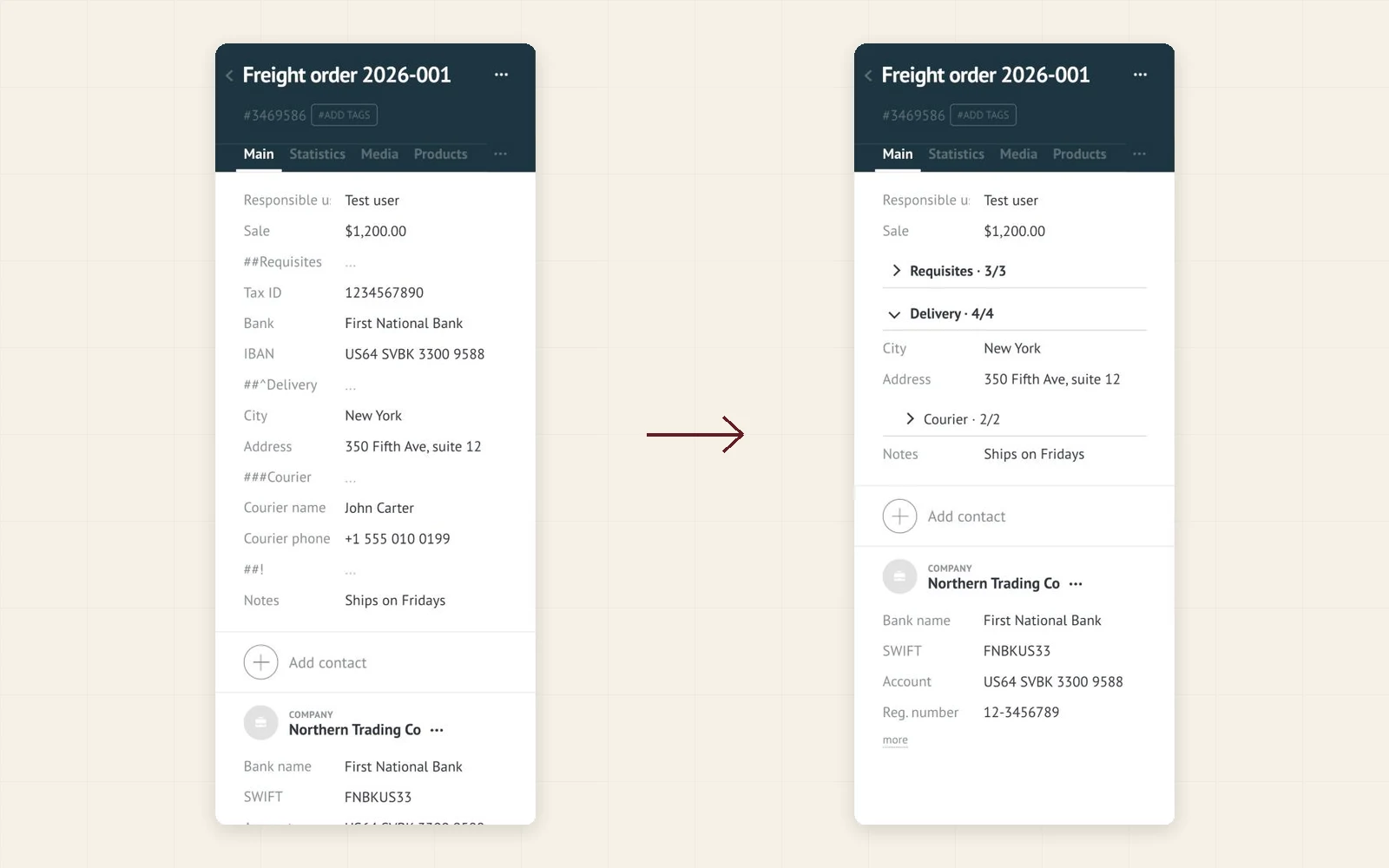
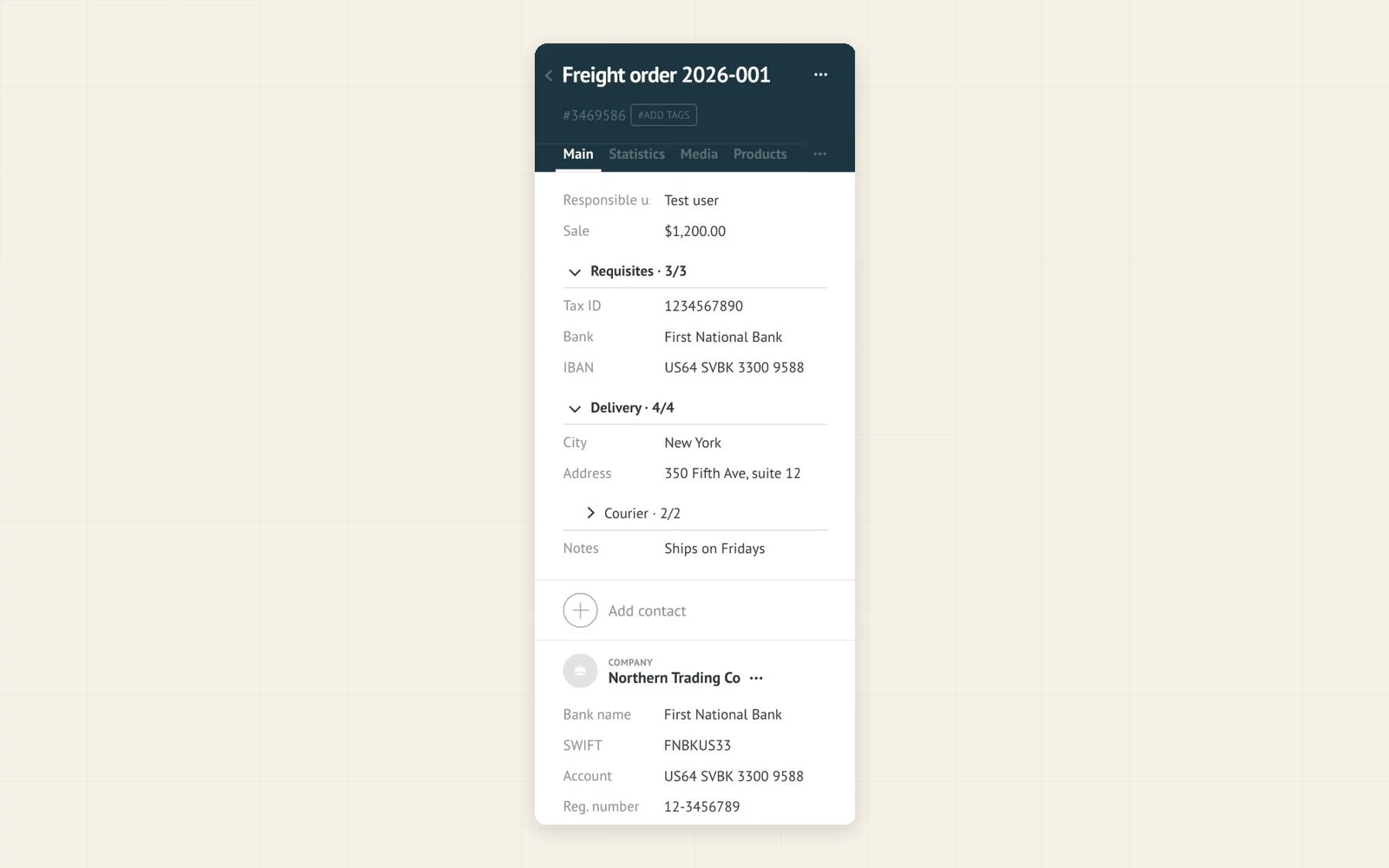
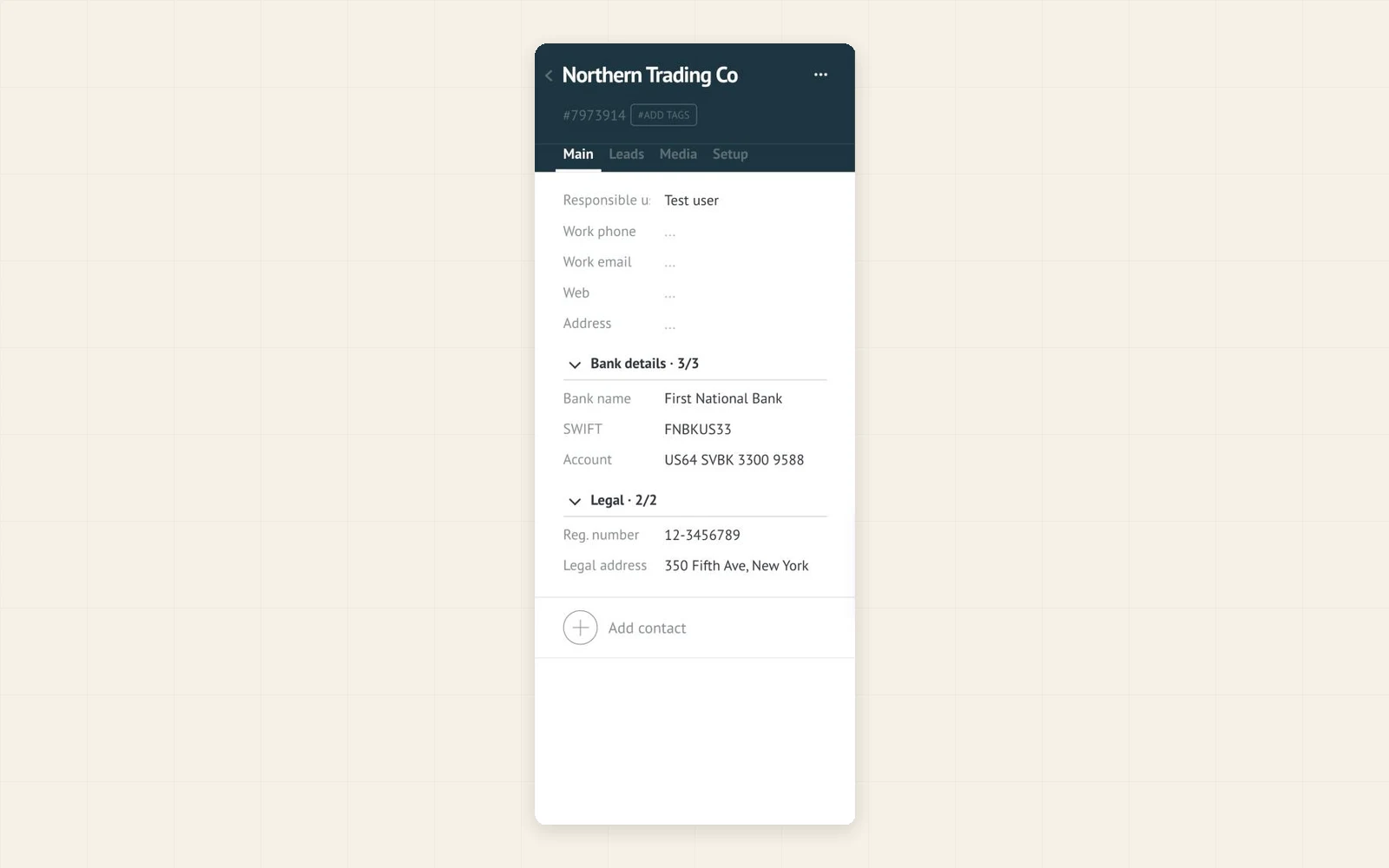
Create a group, for example ##Requisites, above the fields it should hold. The fields fold under one header, so the card shows a few headers instead of forty rows.
Fold rarely used blocks, such as bank details or documents, and leave the daily ones open with ##^Name. Everyone opens a group only when they need it.
If a required field in a folded group is empty when you press Save, the group opens by itself and the field is shown, so nothing blocks the save.
- Collapsible groups and subgroups in lead, contact and company cards
- A group is an empty text field named ##Name: no setup screen to learn
- ##^Name opens by default, ###Name makes a subgroup, ##! ends a group
- A counter in every header shows how many fields are filled
- Remembers which groups you opened, in your browser
- Opens a group by itself when a required field inside it is empty on Save
- Fields stay editable and Kommo saves them as usual
- Runs only in your browser: no data sent to any server, no Kommo API calls
- Free for the whole team: no subscription, no per-user fee, no trial
- Interface in English, Spanish and Portuguese
- In Kommo, open Settings → Integration marketplace.
- Find Field groups by Ruta and click Install.
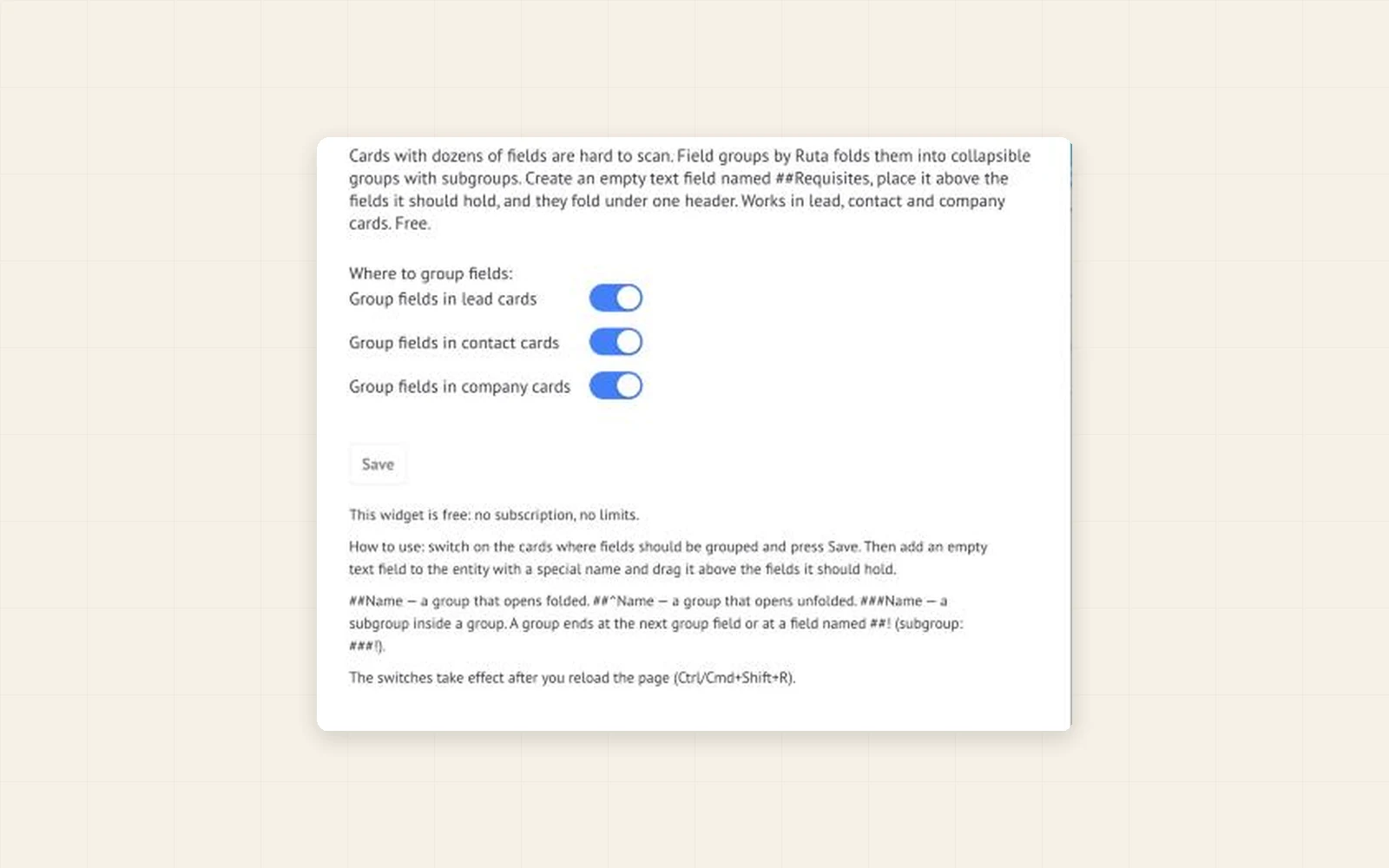
- Open the widget settings, switch on the cards where fields should be grouped and press Save.
- Reload the page (Ctrl+Shift+R on Windows, Cmd+Shift+R on Mac).
- Add an empty text field named ##Group name to the card and drag it above the fields it should hold.
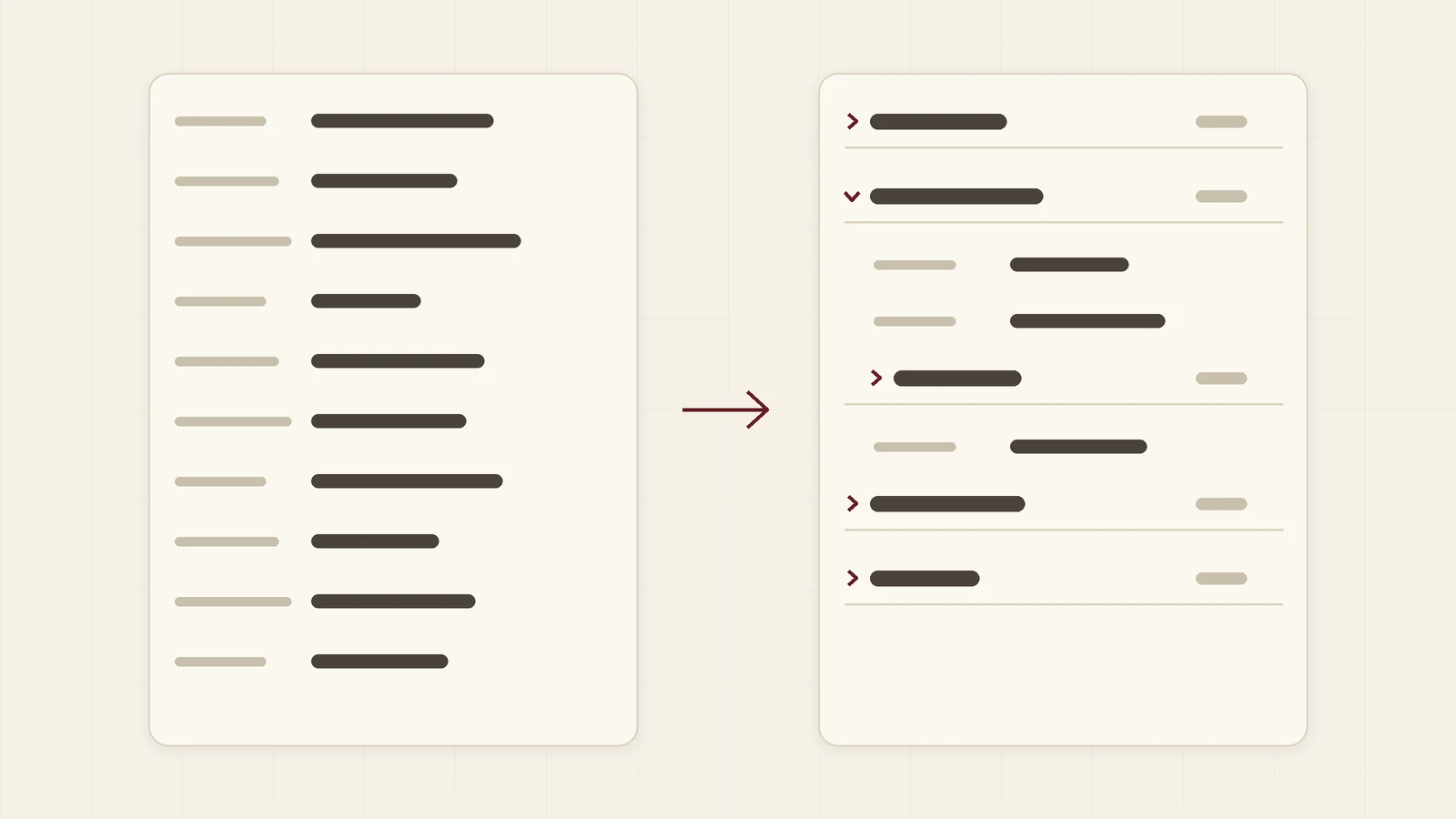
Why a card with dozens of fields is slow to read, and how to group the fields under collapsible headers with a free widget in about five minutes.
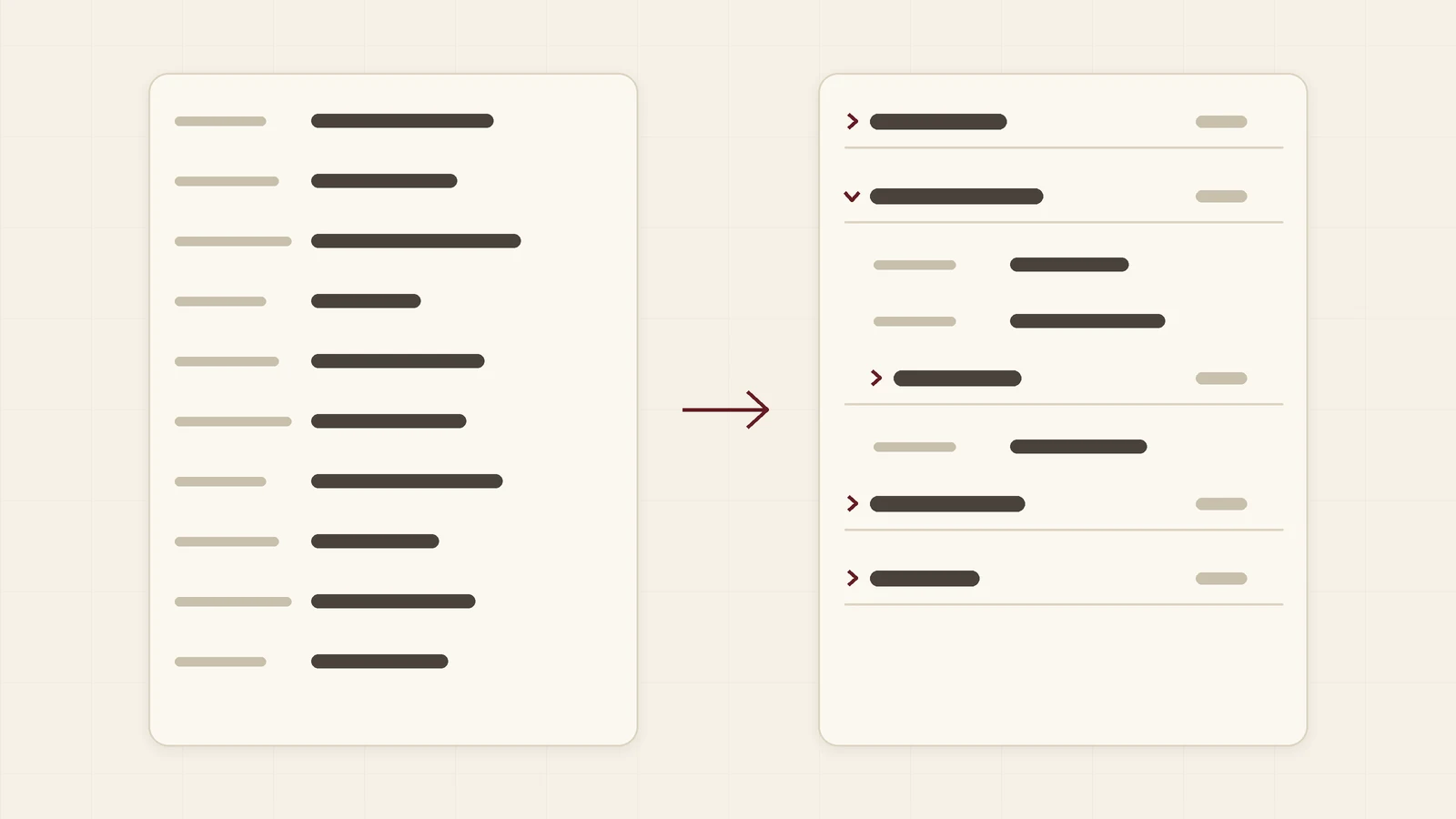
How a trading or logistics company can turn a lead card with dozens of fields into a few collapsible groups in Kommo. Five headers instead of forty rows, set up in minutes.
Is the widget really free?
Yes. There is no subscription, no per-user fee and no trial period that runs out.
How do I create a group?
Add an empty text field to the lead, contact or company and name it ##Requisites (any name after ##). Drag it above the fields it should hold. Use ##^Name for a group that opens unfolded, ###Name for a subgroup and a field named ##! to end a group.
Will the group fields show up elsewhere?
Yes. A group field is an ordinary empty field, so it also appears in lists, exports and the API. Give it a clear name and ignore it there.
Does the widget change or send my data?
No. It only changes how fields are displayed in your browser. It does not send anything to a server and does not use the Kommo API.
What happens if I switch it off or uninstall it?
The fields go back to one long list and the group fields show up as ordinary empty fields. Your data stays exactly as it was.