A 40-field lead card → five headers, and every manager opens only what they need
Widget Field Groups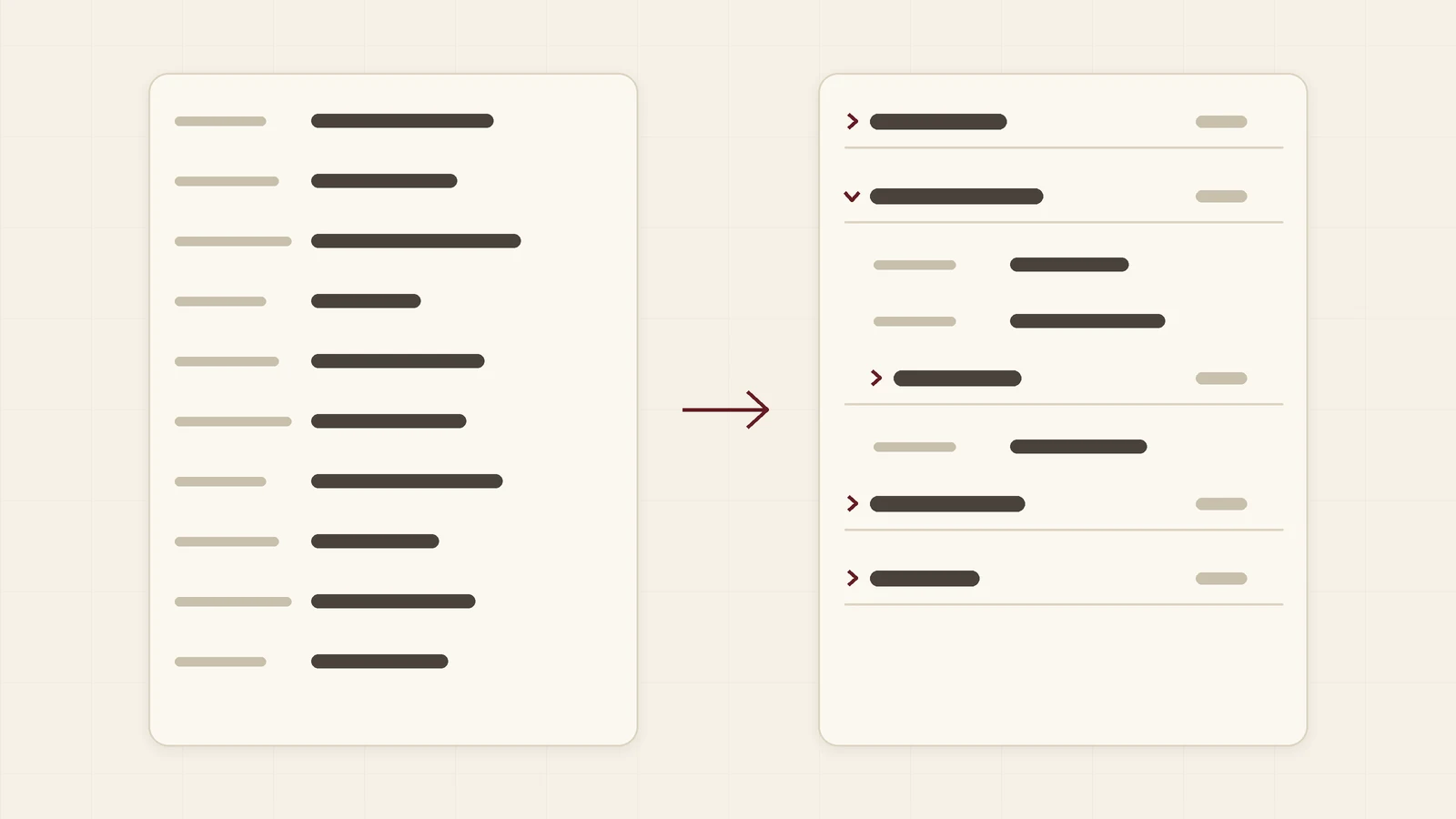
- Scenario: a trading and logistics company whose lead card has grown to about forty fields
- Data: a demo Kommo account with made-up data, no real customer information. This is an illustration, not the story of a named client
- Setup: an empty text field per group, the three card switches in the widget settings and one page reload
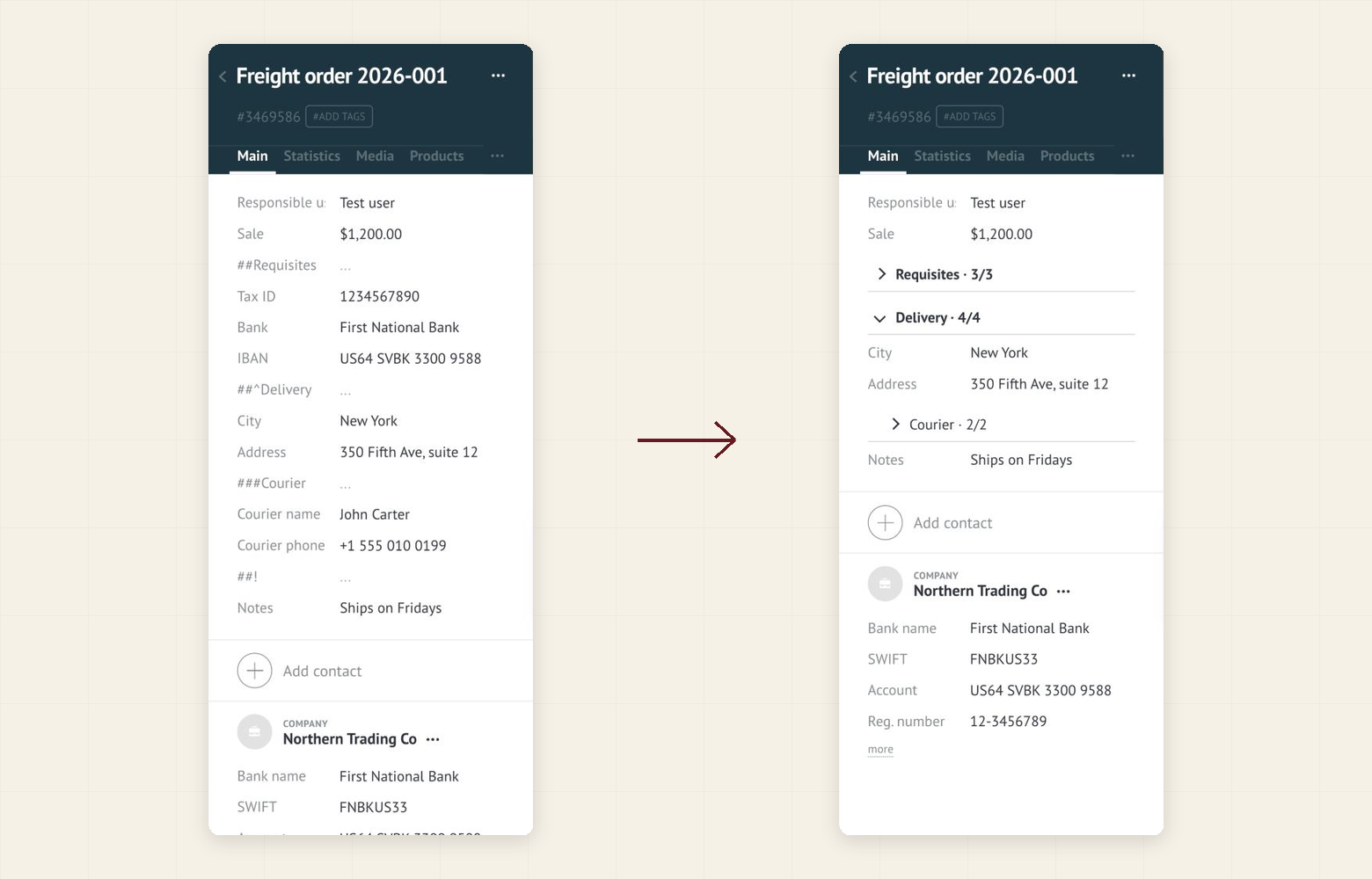
- Comparison: the same lead card before and after grouping
What goes wrong
A trading and logistics company keeps everything in the lead: requisites, delivery terms, courier details, documents, marketing notes. Over a year the card grows to forty rows. A manager who opens a lead to check the delivery address meets three problems:
- The delivery block is far below the screen, so every lead starts with a scroll
- Requisites that are needed once a month take space every day
- A new colleague cannot tell which of the forty fields matter
What you can do with Field groups
Install Field groups by Ruta, switch on the lead card in the widget settings and add one empty text field per block:
##Requisitesabove the tax ID, bank and IBAN fields. It opens folded.##^Deliveryabove the city and address fields. It opens unfolded, because managers need it daily.###Courierinside Delivery for the courier name and phone. A subgroup, folded.
Each header shows how many of its fields are filled, for example 3/3. After a page reload the card shows a few headers and the delivery block open.
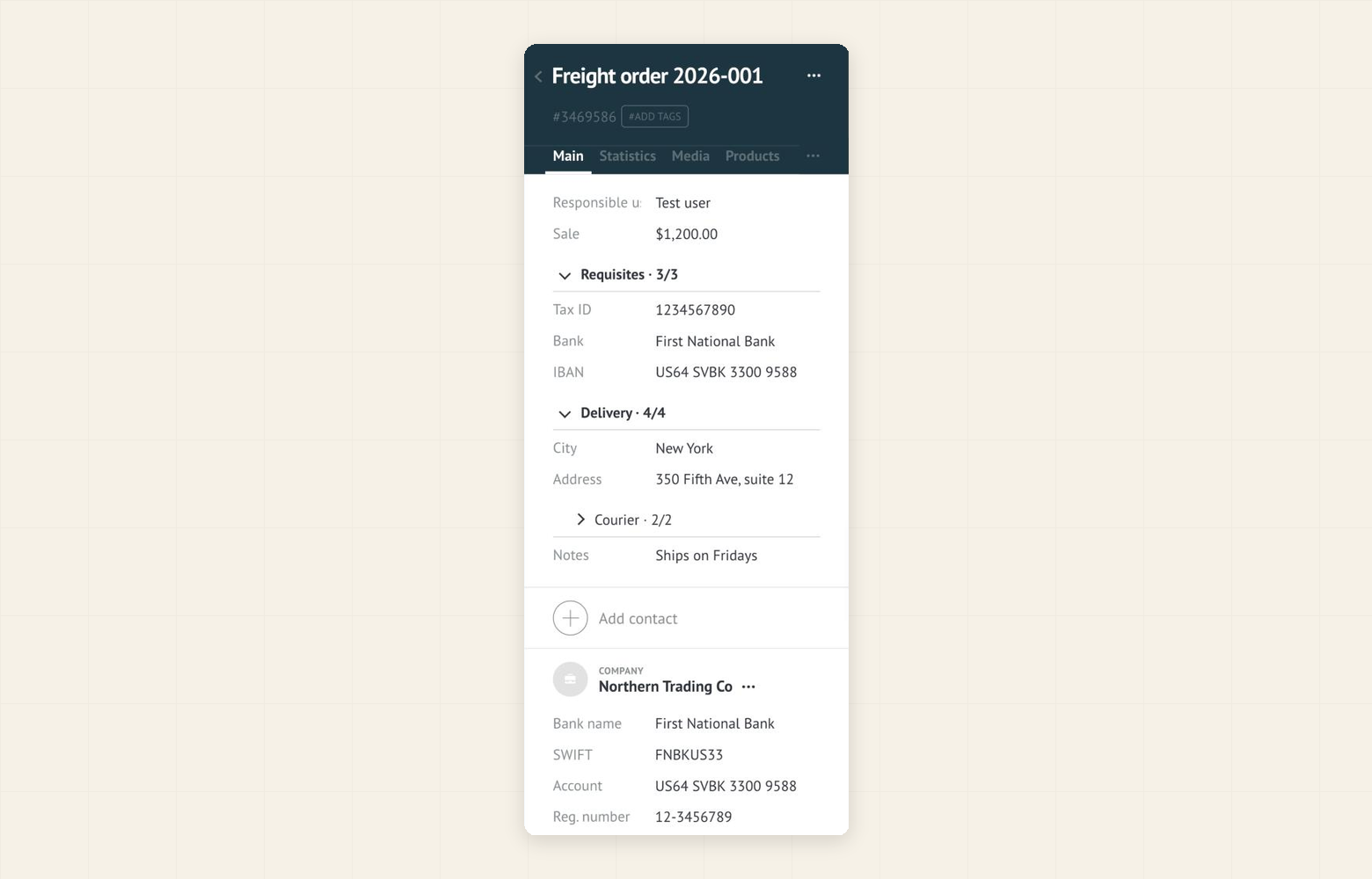
You do not change any lead or field values. The widget only changes how the fields are displayed, and Kommo saves edits as usual.
What you can get
Same lead, before and after:
- A few headers instead of forty rows. The card fits on one screen, and the delivery block is already open.
- Rarely used blocks stay out of the way. Requisites open with one click and fold again.
- Required fields are not lost. If a required field in a folded group is empty when you press Save, the group opens by itself and shows the field.
- The card opens the way you left it. The widget remembers which groups you opened in your browser.
Keep in mind that the group fields are ordinary empty fields: they also appear in lists, exports and the API, so give them clear names. The widget is free for the whole team and runs only in the browser, so there is nothing to roll out beyond the switches and the group fields.