How to Make a Kommo Field Required Only When It Matters
Widget Conditional Required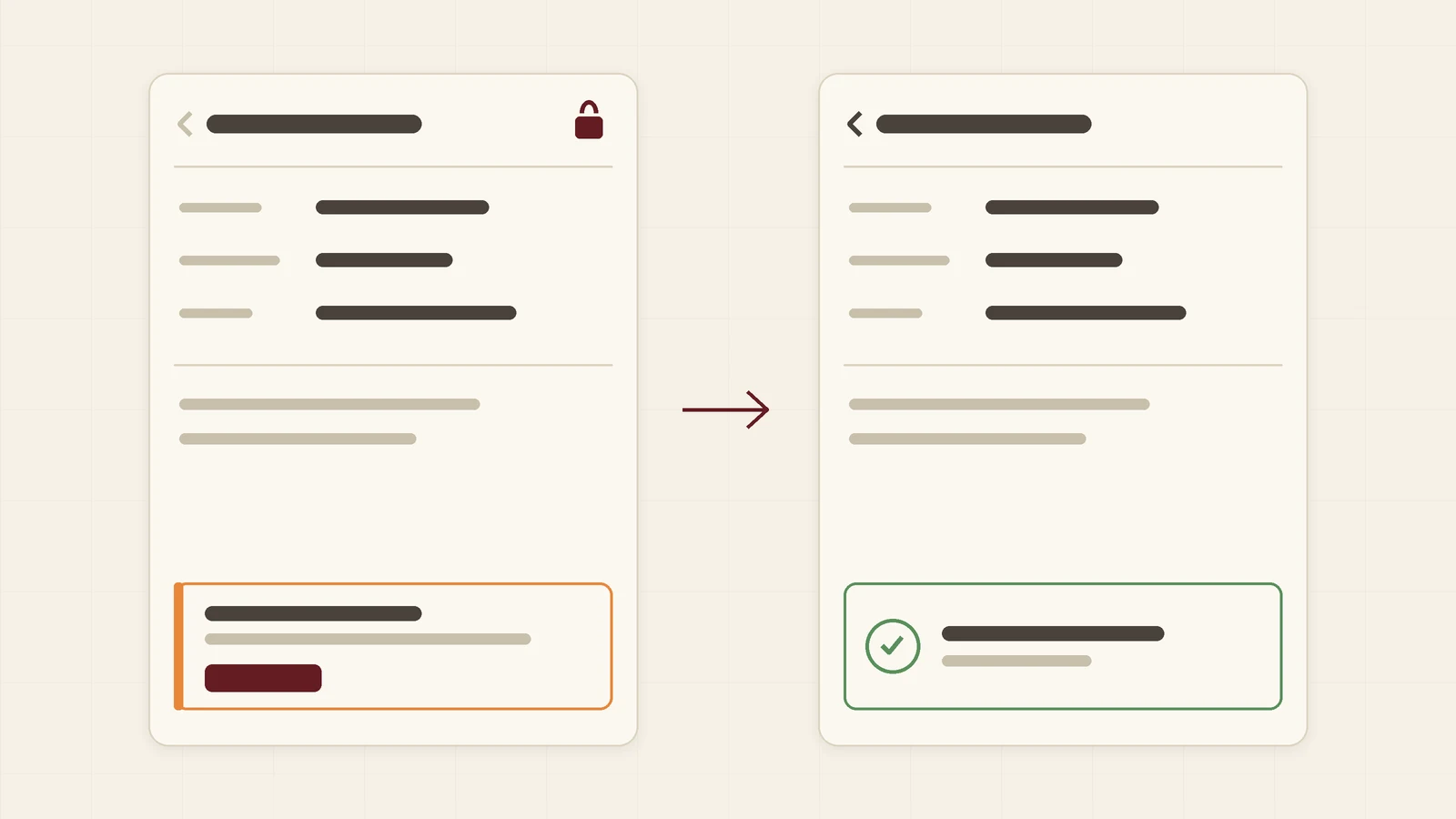
A required field is only useful if it is required in the right cases. Kommo can require a field at a stage, and that is enough when every lead at that stage needs the data. Often it does not: the contract number matters only for invoice payments, the discount reason only above a certain budget. This guide is for business owners and heads of sales. It shows what Kommo does out of the box and how the Conditional Required by Ruta widget fills the gap.
What Kommo offers out of the box
- Required for a stage. A field is required for every lead that reaches the stage. It cannot look at another field.
- Automations and robots. They can react after a lead is saved, but they do not keep an incomplete lead from being saved.
Both are useful. Neither can say “require this field only when that field has this value”.
How Conditional Required works
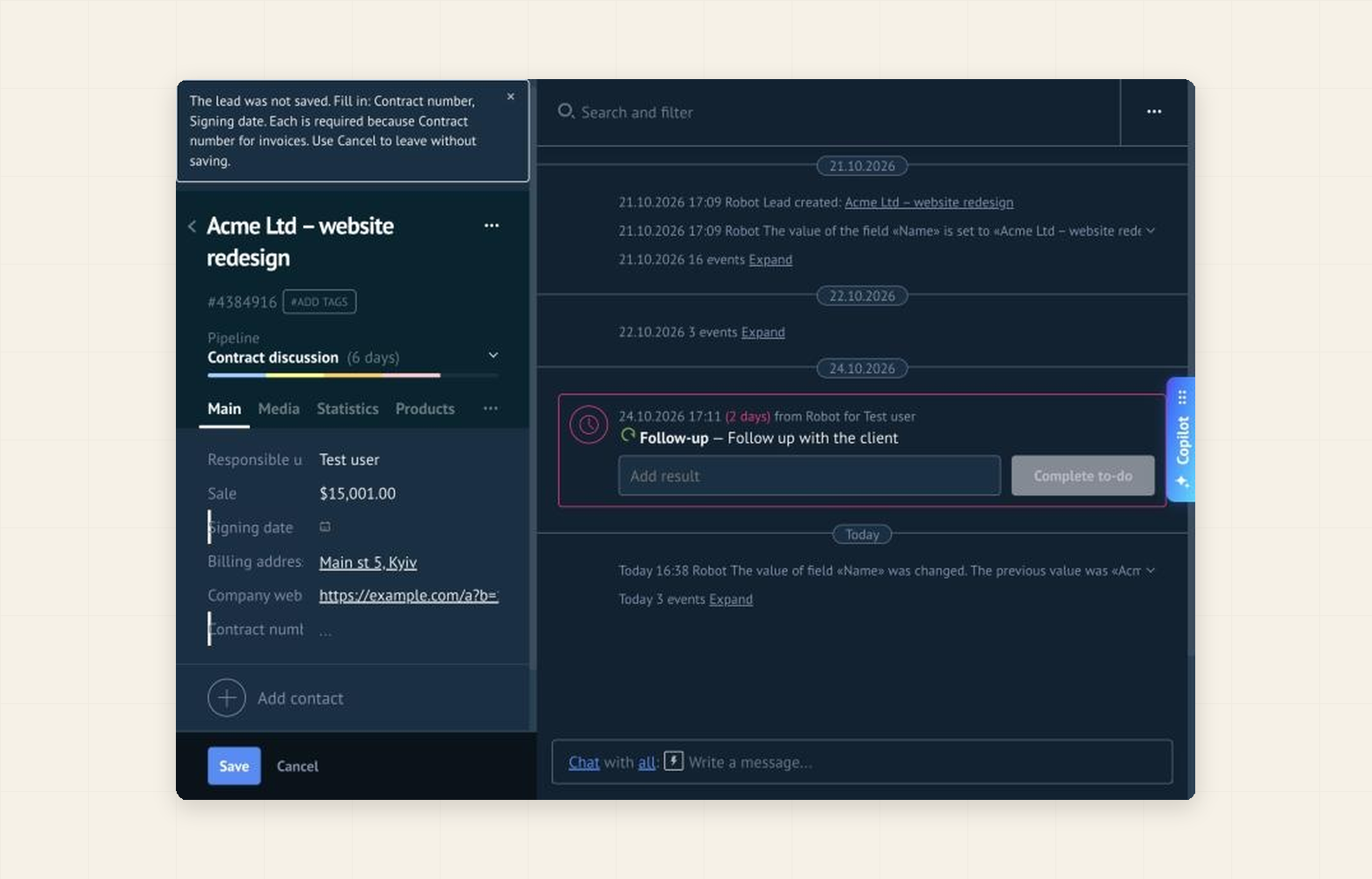
An administrator writes a rule: the fields that become required, and the conditions under which they do. When someone presses Save on a lead and a rule is broken, the lead is not saved. It stays open and a message names each missing field and the rule behind it:
Set it up in five minutes
- In Kommo open Settings → Integration marketplace, find Conditional Required by Ruta and click Install. The 14-day free trial starts by itself.
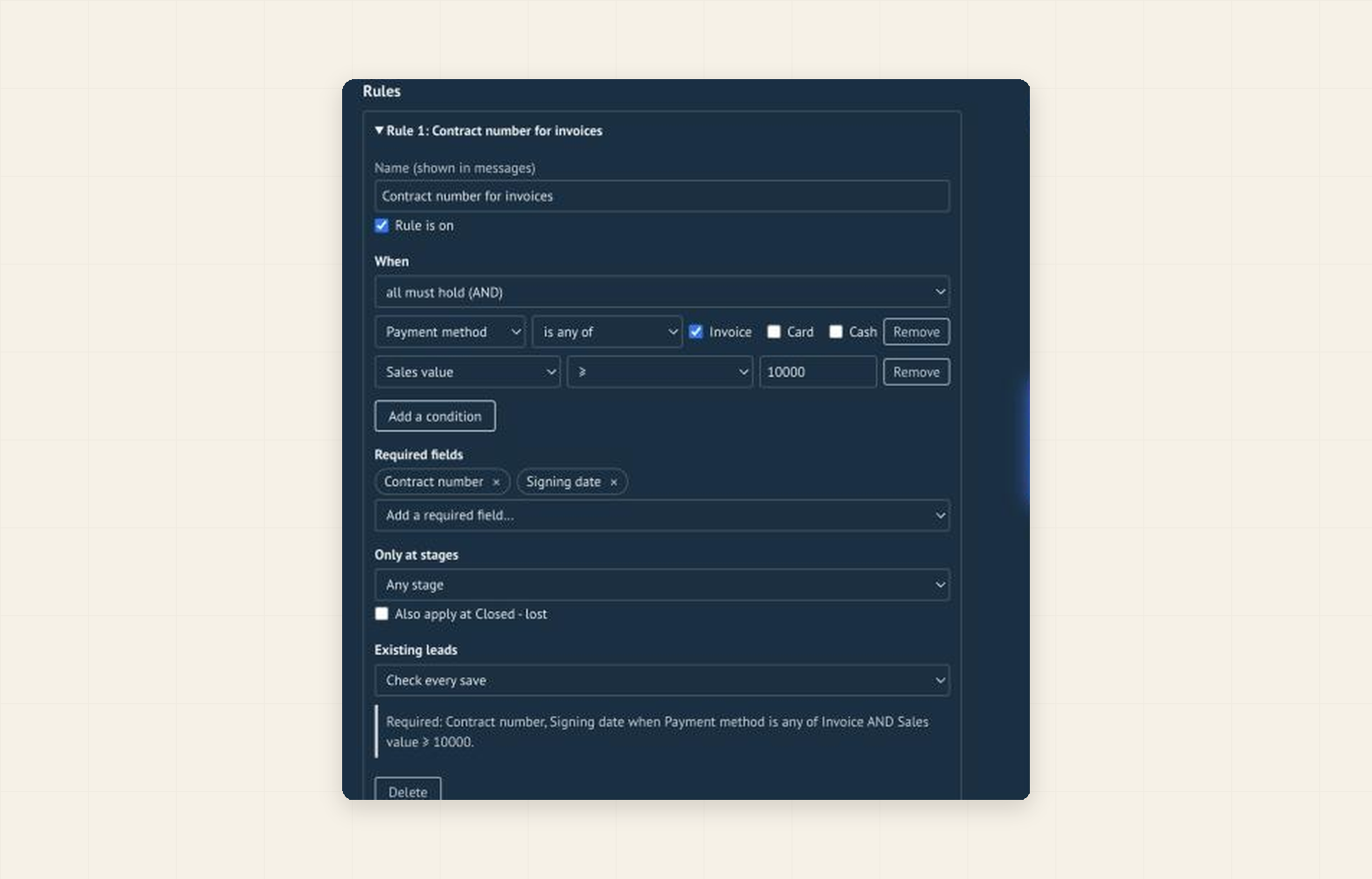
- In the widget settings click Add a rule.
- Under Required fields choose the fields, and under When add up to five conditions on field values, the sales value or the responsible user, joined by AND or OR.
- Optionally limit the rule to a pipeline and stages.
- Choose what happens on a violation and click Save. Other users get the rules after they reload the page.
Start soft, then block
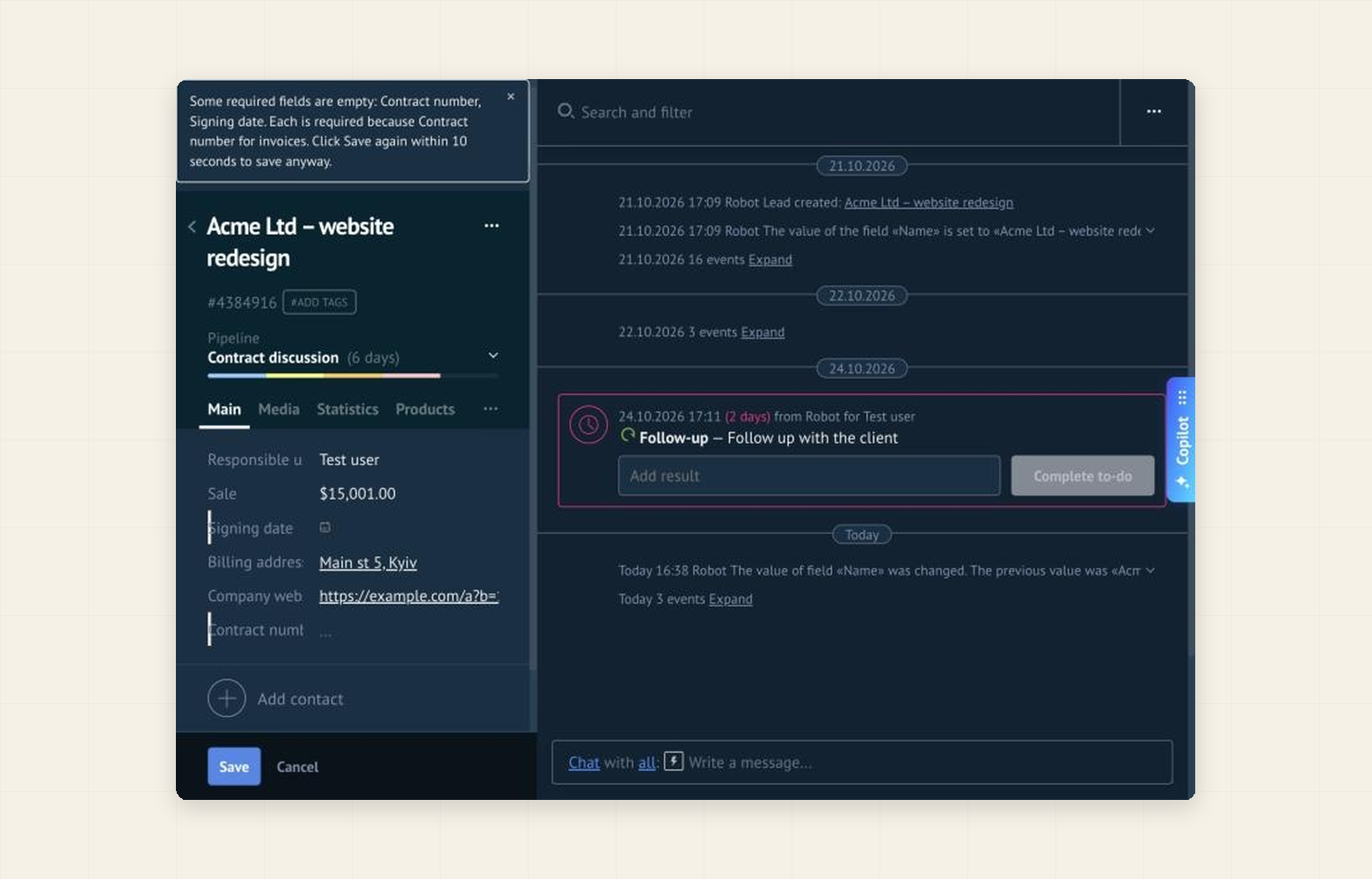
In the warn first mode the same message appears, and a second Save within 10 seconds saves anyway. Run a week like this, see which rules fire, then switch to block the save.
What it does not do
- It checks the Save of the lead card. It does not stop moving a lead on the pipeline board, bulk changes, imports, the API, robots or the mobile app.
- A rule that cannot be checked (a deleted field, a changed card layout) is switched off and never blocks.
Price and data
The first 14 days are free. After that the price is per account, not per user: $60 for 6 months or $100 for 12 months. When the trial or the paid period ends, the widget simply stops checking and your rules are kept. The rules work in your browser: the widget reads the open lead card, writes nothing to your CRM and sends no lead data anywhere. Only the license check, with your account address, goes to our server.