How to Fold a Long Kommo Card into Collapsible Field Groups
Widget Field Groups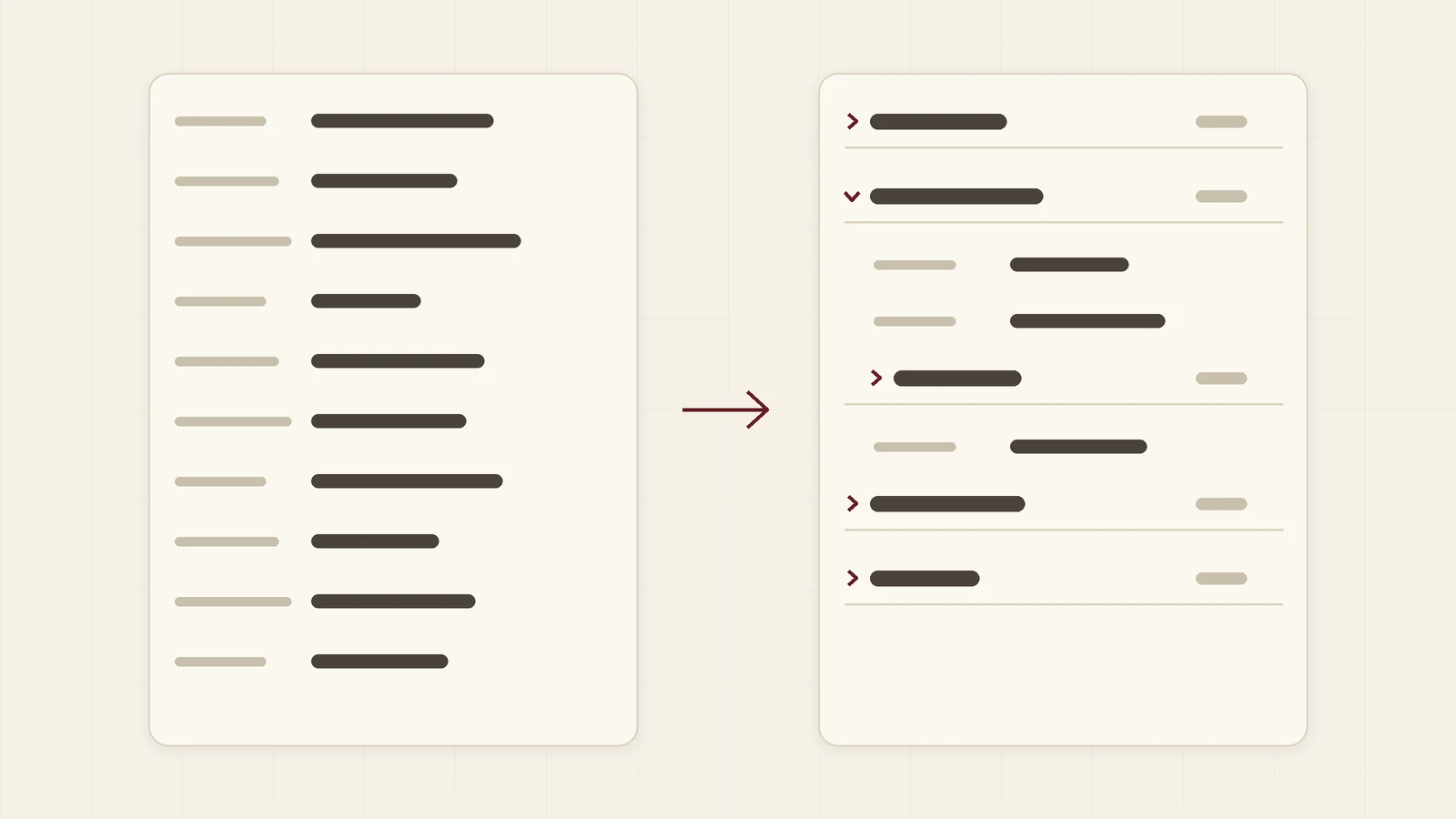
Every team adds fields to Kommo over time: requisites, delivery, documents, marketing notes. After a year a lead card is forty rows long, and the field a manager needs is always at the bottom. This guide is for business owners and sales managers. It shows how to fold those fields into groups with the free Field groups by Ruta widget, so a card shows a few headers and people open only the group they need.
Why long cards slow people down
Kommo shows every custom field of a lead, contact or company in one list. Out of the box there is no way to fold part of it. The cost is small each time and large in total:
- Managers scroll past fields they never use to reach the one they need
- Rarely used blocks, such as bank details, take space all day
- New employees do not know which fields matter
How a group works
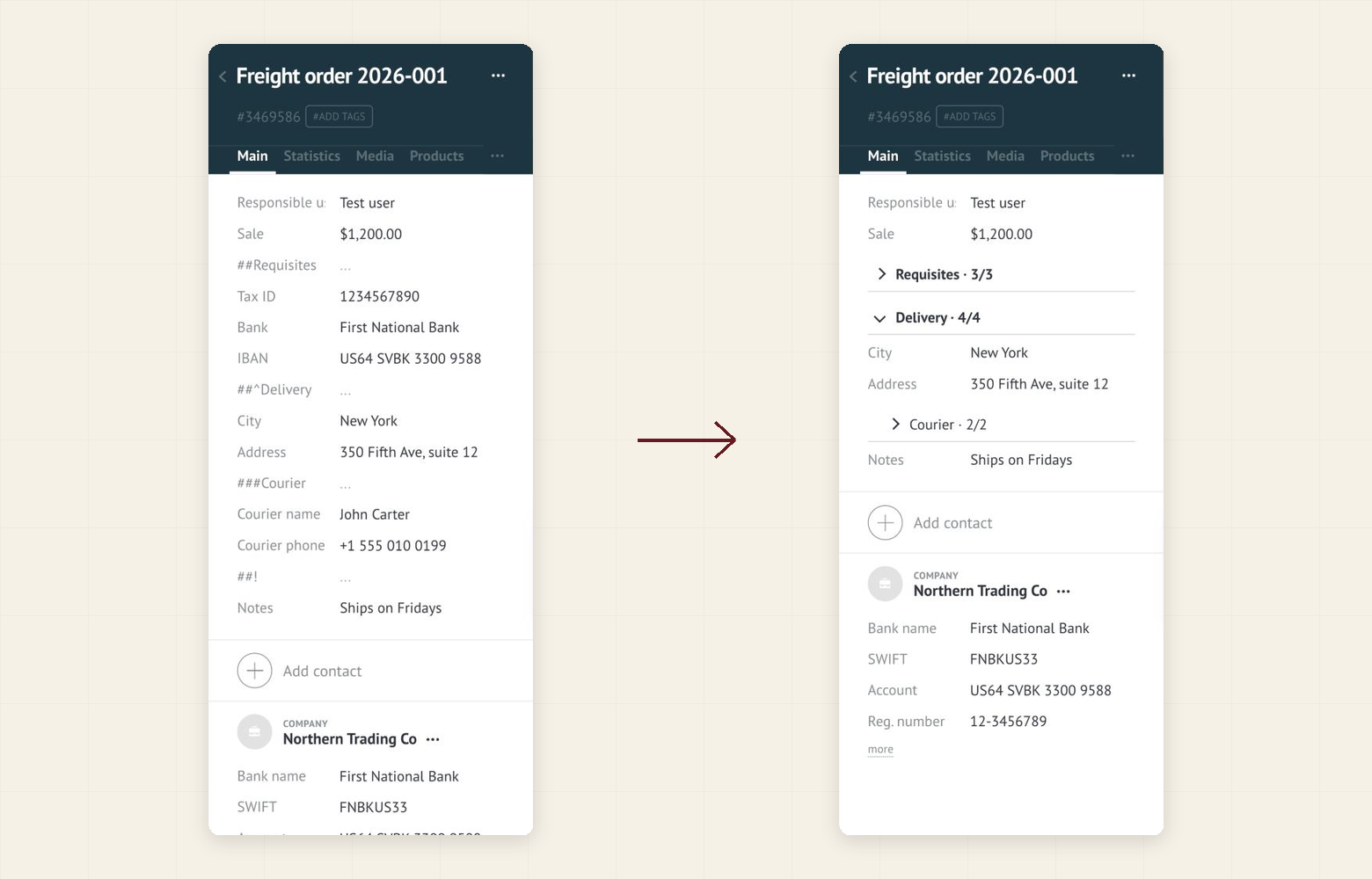
A group is an empty text field with a special name. The fields under it in the card belong to it until the next group field:
##Requisites: a group that opens folded##^Delivery: a group that opens unfolded###Courier: a subgroup inside a group##!: an optional field that ends a group (###!ends a subgroup)
Each header shows an arrow, the group name and a counter such as 3/5, the number of filled fields out of all fields in the group.
How to set it up in 5 minutes
- In Kommo, open Settings → Integration marketplace.
- Find Field groups by Ruta and click Install.
- In the widget settings switch on the cards you need (lead, contact, company) and press Save.
- Reload the page with Ctrl+Shift+R (Windows) or Cmd+Shift+R (Mac).
- Open the field editor of the card (Fields and groups), add an empty text field named
##Requisitesand drag it above the fields it should hold.
What to expect
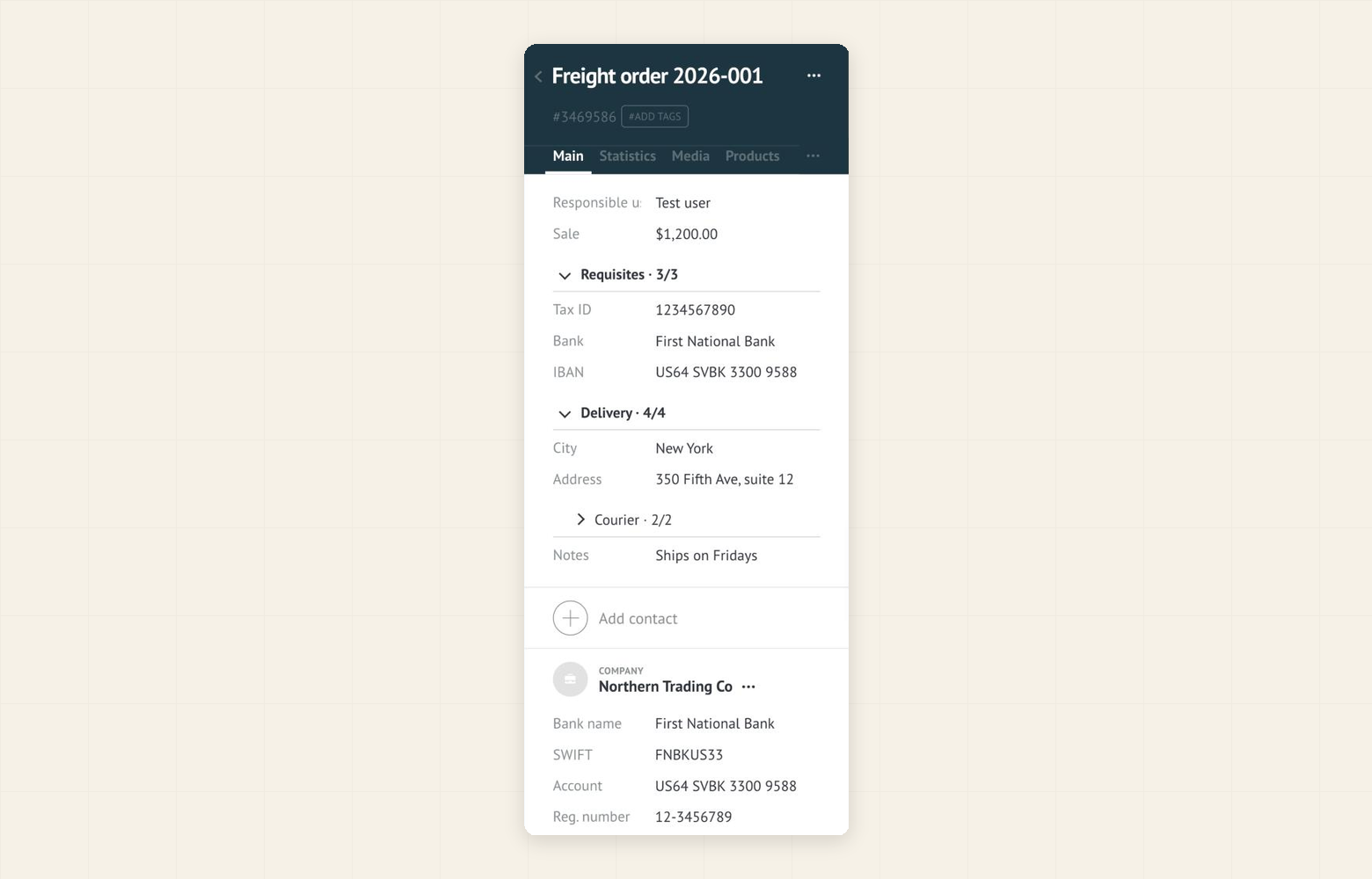
Click a header to open or fold its group. The widget remembers your choice in your browser, so the card opens the way you left it. If a required field inside a folded group is empty when you press Save, the group opens by itself and the field is shown.
Keep three things in mind:
- Group fields are real fields. They are empty, but they also show up in lists, exports and the API. Give them clear names.
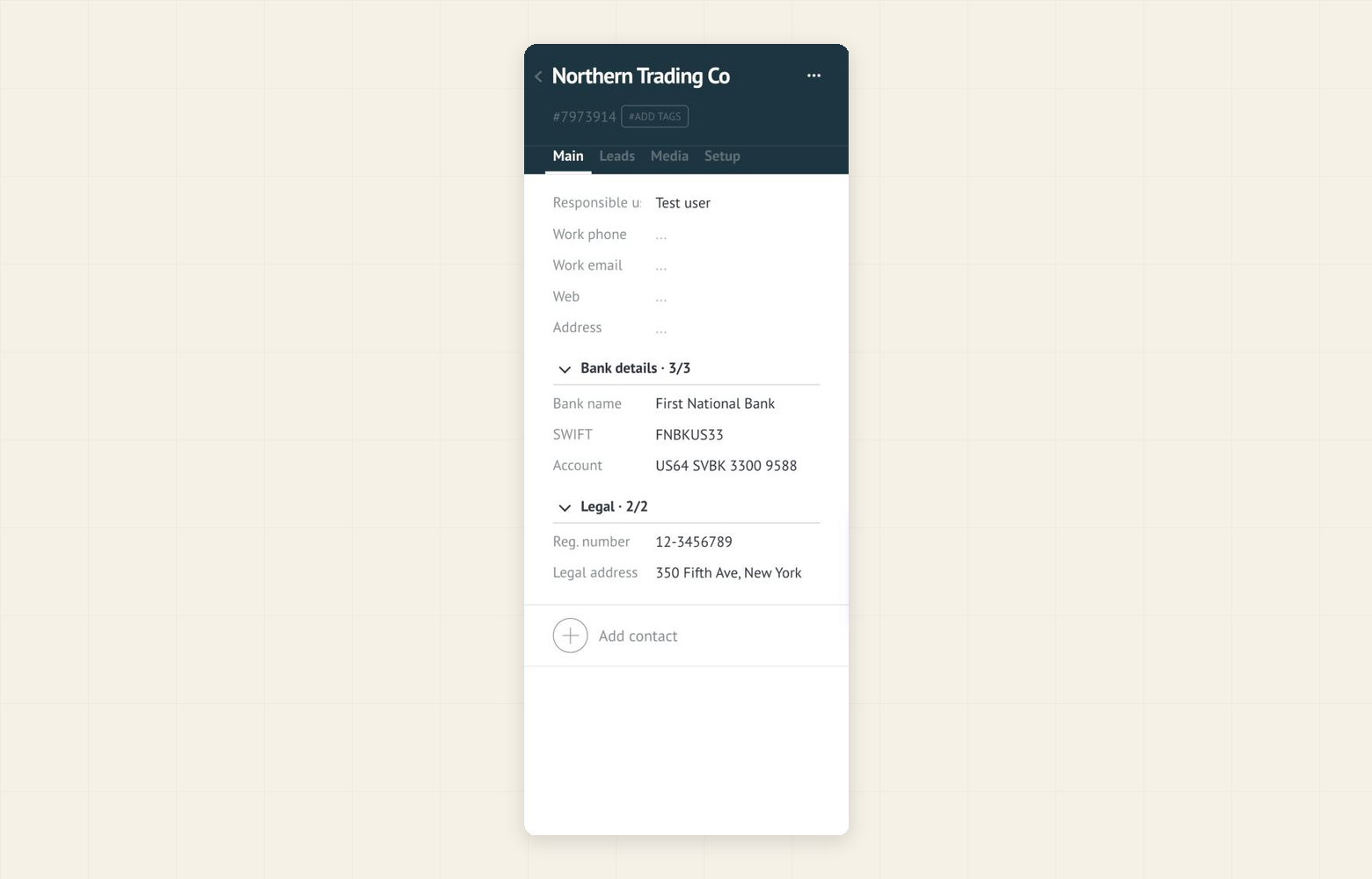
- Cards only. The widget groups the fields of lead, contact and company cards. Contacts and companies shown inside a lead card, the mobile app and customer and task cards are not covered.
- Nothing in your data changes. The widget only changes how fields are displayed. You edit and save them exactly as before.
Good to know
- The widget is free. There is no subscription, no per-user fee and no trial.
- It runs only in your browser. It does not send your data to any server and does not use the Kommo API.
- You can switch any card type off in the widget settings, or uninstall the widget. In both cases your data stays as it is, and the group fields become ordinary empty fields.
- The widget interface is available in English, Spanish and Portuguese.