VIP clients and big leads get lost in the flow → reply to them up to 2× faster
Widget Color Leads
- Scenario: a turnkey renovation and interior design studio with 8–12 managers
- What it sells: from small repairs to large projects
- Customers: private, business and VIP
- Setup time: about 1 day
- Good to know: this is an illustrative scenario shown on a demo Kommo account, not the story of a named client. Your results depend on your team and your rules
What goes wrong
Picture a business where the value of a lead varies many times over, and so do the customers: from someone who wants to re-wallpaper a room to an owner renovating a whole office. On the Kommo kanban board every card looks the same, so managers take leads in the order they came in. As a result:
- a VIP client waits as long for a reply as a random inquiry
- big leads go cold before the first estimate
- a lead with no next step is noticed only after the customer has already walked away
Reports show the problem after the fact, and a pipeline stage says nothing about how much a lead is worth. A separate dashboard doesn't help either: managers simply don't open it.
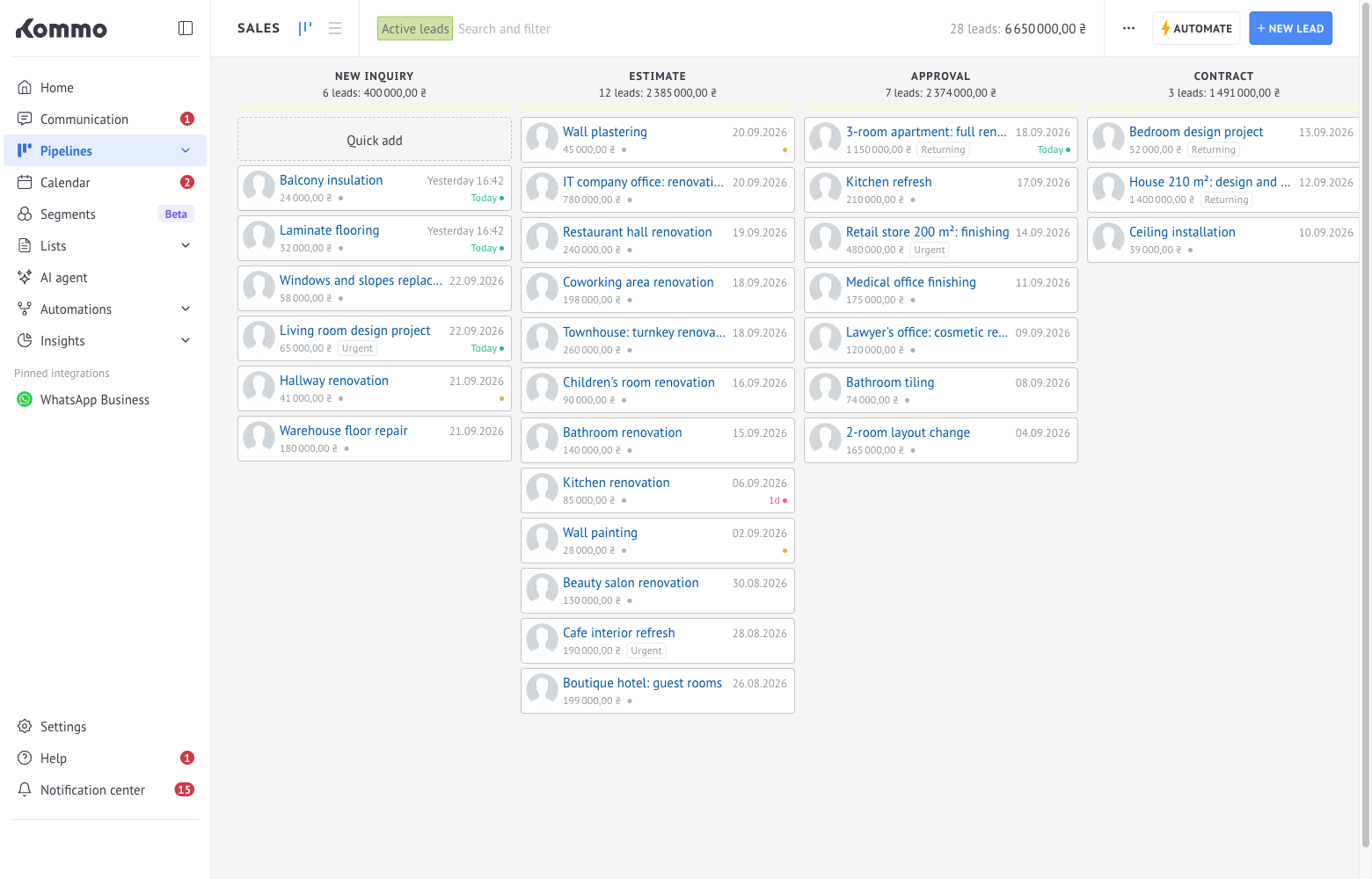
What you can do with Color Leads
Install the widget and set up four rules in about a day. The color tells a manager what to do before they even open the card:
- 🟣 VIP client with a big lead. Top priority, reply first.
- 🟡 All other VIP clients. Take them on among the first.
- 🟠 Big lead. Amount above a threshold you choose yourself.
- 🔴 Lead with no open task. Plan the next step today.
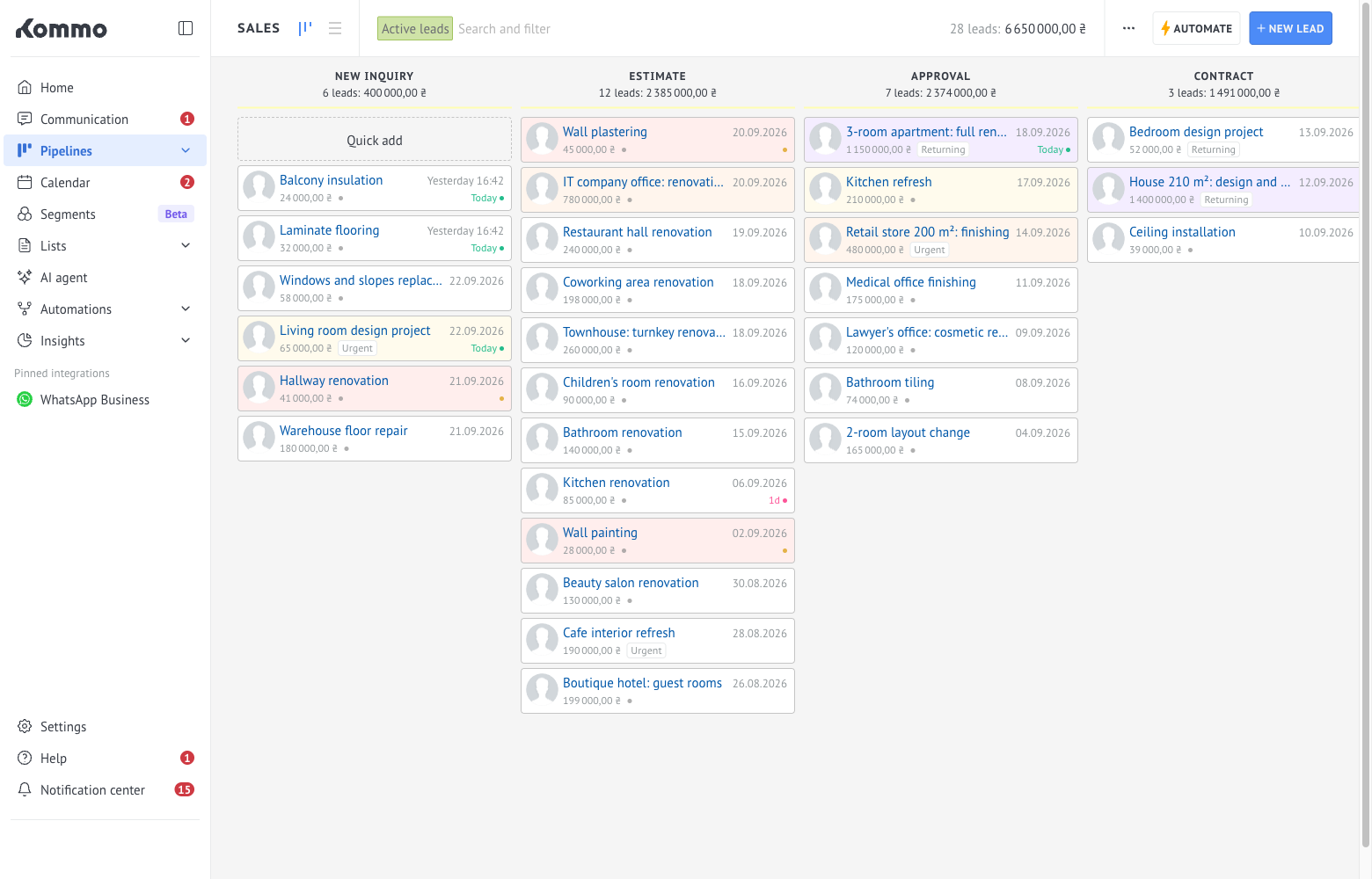
Order matters: the first rule from the top wins, so the most valuable leads get the most striking color. The widget can recognize VIP clients by any lead field you already have, such as "Client category". You don't need to change the pipeline, the fields or the sales process.
A team usually gets used to it within minutes: red means "call today", gold and orange mean "take these first".
What you can get
- Faster replies to VIP clients. A manager sees such a lead on the board right away, without opening the card. Teams can speed up their VIP response by up to 2×.
- Fewer big leads lost before the first estimate: up to half as many.
- A next step for every VIP lead. Red makes sure a lead without a task can't be missed.
- No more collecting such leads from reports by hand. The head of sales sees them on the kanban board.
The numbers above are an upper estimate, not a promise: the result depends on how many managers you have, how you set the rules and how quickly the team adopts the colors. Start with two rules, VIP and "no open tasks", and compare your own response time after a few weeks.